
Skip to content
Country

Teslong · Automotive Endoscopes

Automotive Endoscope Cameras for Professional Vehicle Inspections

For technicians: see inside, steer the view, record the repair

Automotive endoscope cameras give technicians a clear view inside engines, exhausts and body cavities without costly disassembly. This collection covers the core workflow: get the probe in, see forward and to the side, then record photos and video for the repair order.

Choose a screen model for one-handed shop work, or a Wi-Fi or USB camera that uses your own device.

Shop by use case:

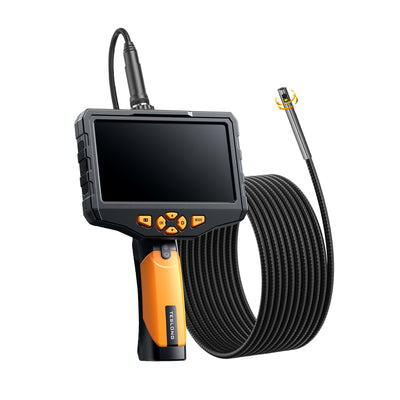
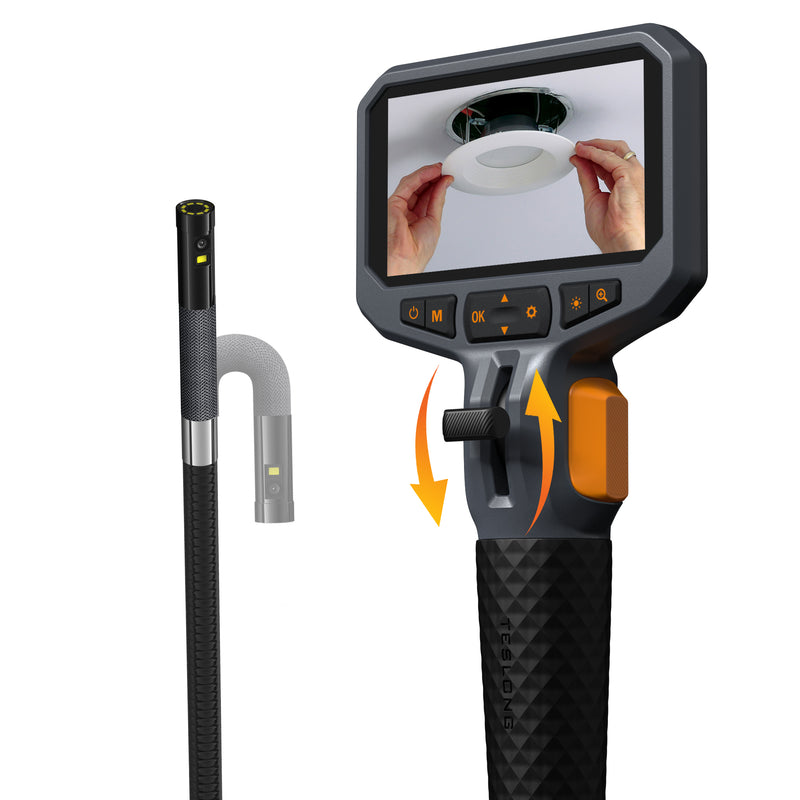
Rotating LensPistol Grip, 5000 mAhCable up to 16.4 ft
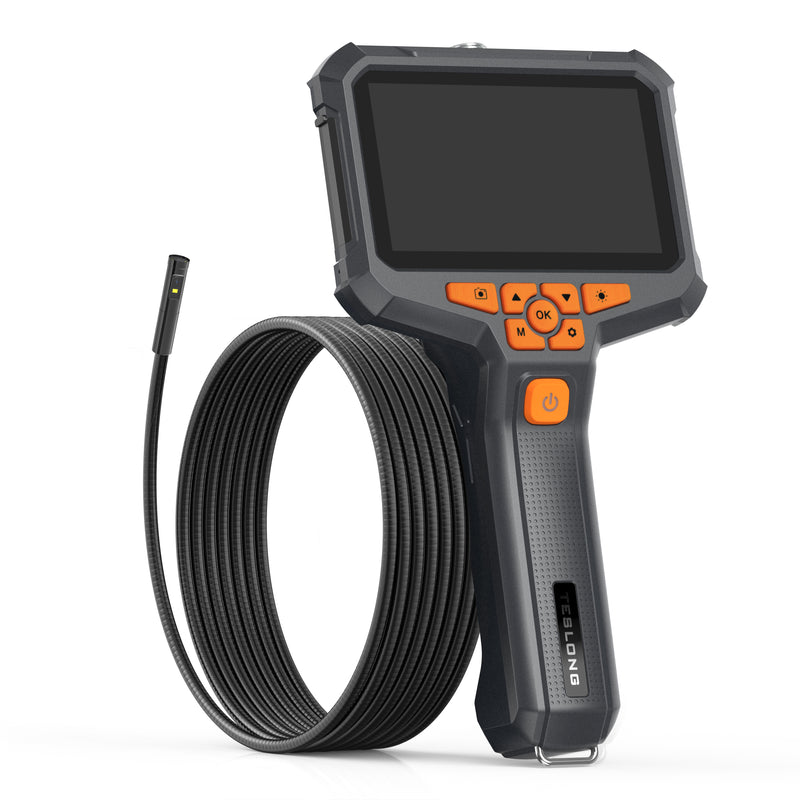
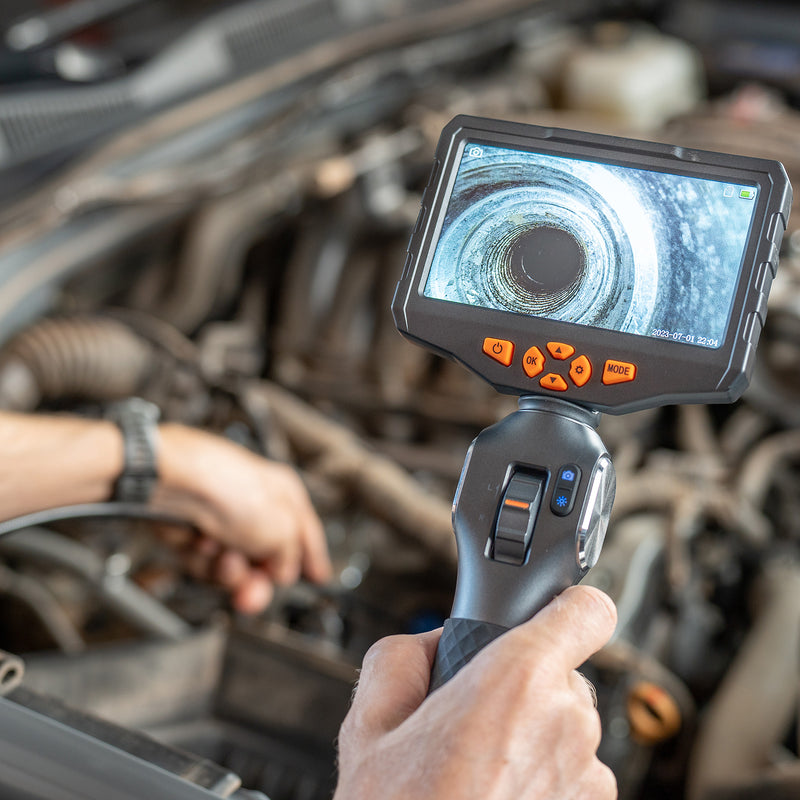
Shown: NTS300 Rotating Lens
  • Free US shippingOn orders over $199
  • 30-day money-back guaranteeRisk-free on every model
  • 12-month warrantyOn every model in this collection
  • U.S.-based supportCall 877.899.8809

Editor's picks

Best Automotive Endoscopes for the Shop

  • Best for Technicians

    NTS300 Rotating Lens

    Rotating lens, pistol grip, 5000 mAh battery

    From $239.99

  • Best Steerable Tip

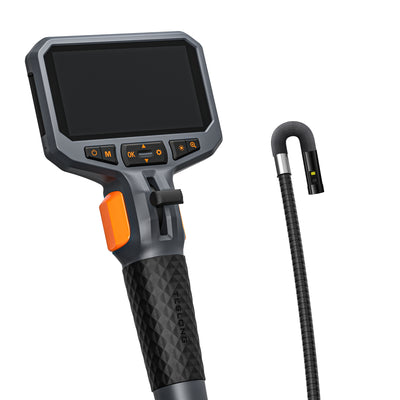
    TD450s Dual Lens

    2-way 210° articulation with front + side view

    $149.99

  • Best One-Hand Dual Lens

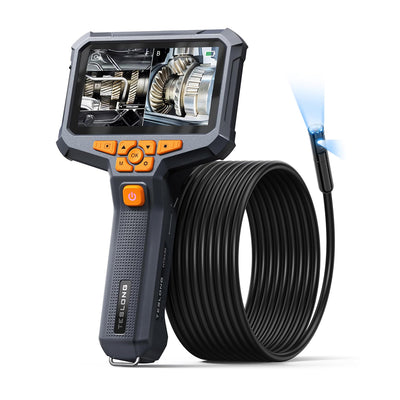
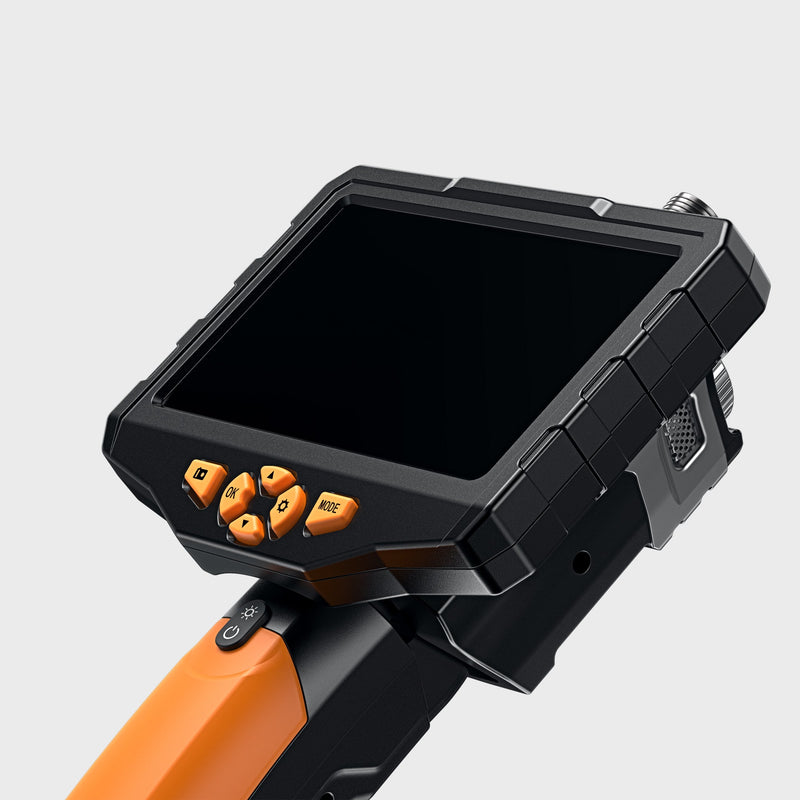
    NTS430

    Pistol grip, dual lens, 1080p video

    From $139.99

  • Best Budget Pick

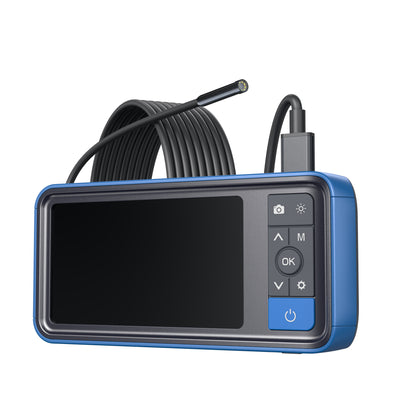
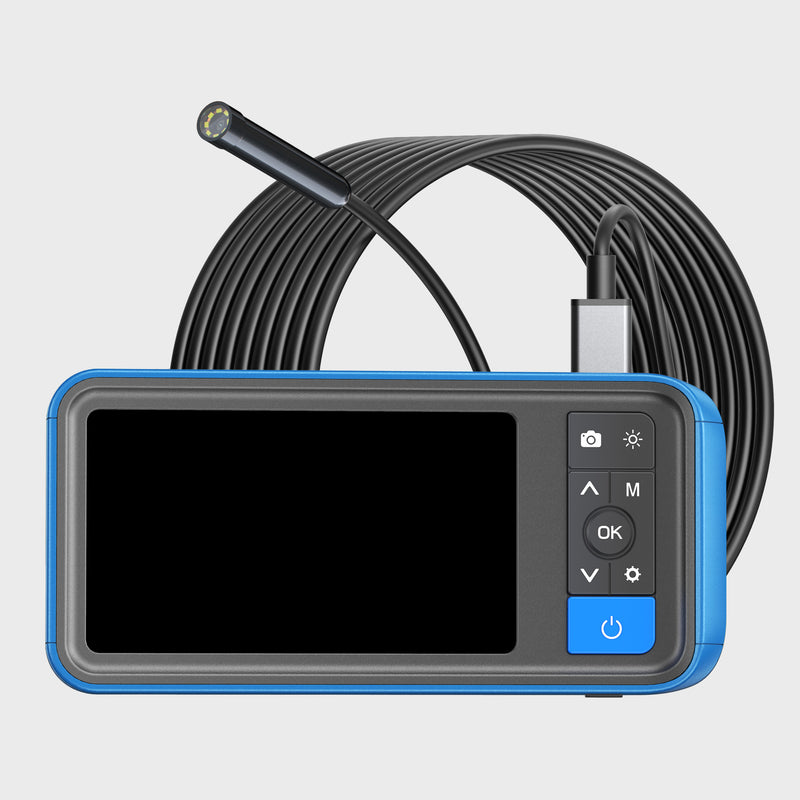
    MS450 Single Lens

    5.5 mm probe, 16.4 ft cable, stand included

    $69.99

Quick product finder

Find the Right Automotive Endoscope in 30 Seconds

Three questions about the job, the screen you want and the view you need — we'll point you to the model that fits your workflow.

1What's the job?
2Where do you want to watch?
3What view do you need?

Your recommendation appears here

Answer all three questions to see the best match for your needs — plus two alternatives worth considering.

All models

Shop All Automotive Endoscopes

Filter by job, user and the view you need — or use the finder above for a quick match.

Job

User type

Camera view

Showing 9 of 9 models

9 products

Side-by-side

Compare Teslong Automotive Endoscopes

How each model handles viewing, camera type, reach and recording — the details that shape a technician's workflow.

ModelViewingCameraProbe diameterProbe lengthRecordingPrice
NTS300 Rotating Lens5″ pistol-grip screenRotating8.5 mm3.2 / 9.8 / 16.4 ft1080p photo, 720p videoFrom $239.99
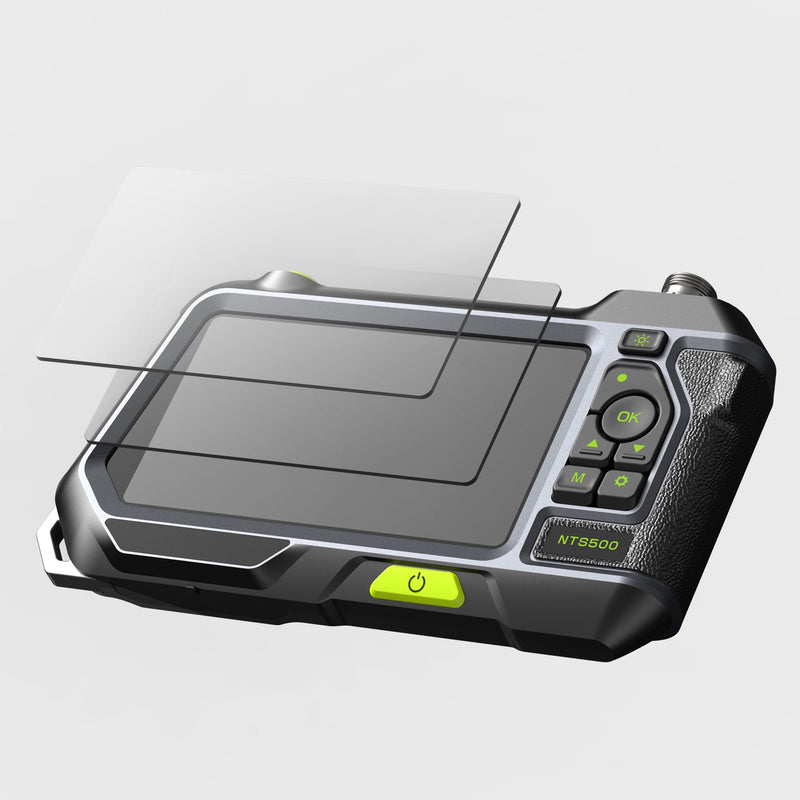
NTS500 Rotating Lens5″ tablet-style screenRotating8.5 mm3.2 / 9.8 / 16.4 ft1080p photo, 720p videoSold out
TD450s Dual Lens4.5″ pistol-grip screenDual, 2-way 210°8.5 mm5.08 ftUp to 1080p$149.99
NTS4304.3″ pistol-grip screenDual5.5 / 8.0 mm3.2 / 9.8 / 16.4 ft1080p photo & videoFrom $139.99
NTS500B Dual Lens5″ screen on standDual5.0 mm16.4 ft1080p photo & video$129.99
MS450 Single Lens4.5″ screen on standSingle5.5 mm16.4 ft720p video$69.99
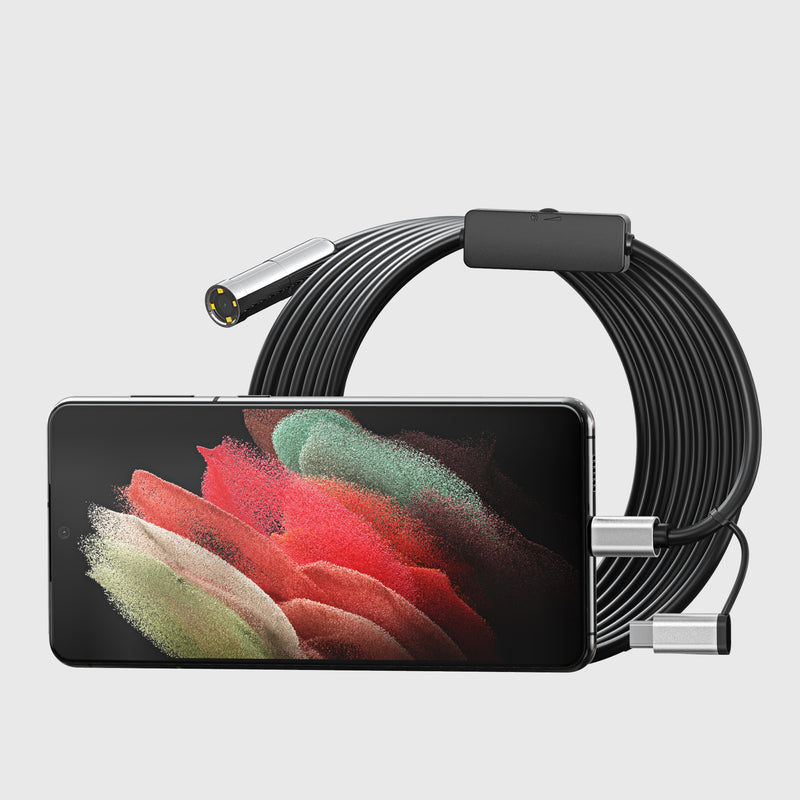
WF150D39L3Phone / tablet (Wi-Fi)Single3.9 mm9.8 ft1080p photo & video$49.99
NTC125Device via USB5 MP auto focus12.5 mm16.4 ftUp to 2594x1944$69.99

Technician workflow

Automotive Endoscopes for Every Step of the Job

From the first look to the repair order — the features that matter at each step.

  • Diagnose Before You Tear Down

    Look through the spark plug hole for scored cylinder walls, damaged pistons or coolant in the chamber, and confirm the fault before you quote a teardown.

    Recommended features

    • Dual or rotating lens for walls
    • Probe sized for plug holes
    • Adjustable LED lighting

    Top picks

  • Exhaust, Intake & Long Runs

    Follow exhaust pipes and intake runners to find blockages, broken parts and carbon without removing components.

    Recommended features

    • Cables up to 16.4 ft
    • Rotating side view
    • IP67-rated probe

    Top picks

  • Chassis, Body & Under-Dash

    Check inside frame rails, rocker panels and door cavities, or find a dropped bolt behind the dash and fish it out with the hook or magnet tip.

    Recommended features

    • Hook & magnet tips included
    • Monitor stand for hands-free use
    • 16.4 ft cable

    Top picks

  • Record Evidence for the Repair Order

    Save photos and video of what you found to show the customer, support a warranty claim, or compare before and after the repair.

    Recommended features

    • 32 GB card with screen models
    • Phone recording on Wi-Fi model
    • 1080p capture on most models

    Top picks

Buying guide

How to Choose an Automotive Endoscope Camera

Match the camera to how you work: what you need to see, how far in you go, where you watch, and how you record.

  1. View Type: Dual, Rotating or Steerable

    A dual-lens probe switches between forward and 90° side views at the press of a button. A rotating lens sweeps the side view around a bore while the probe stays still. If you need to look around a corner or back at valves, choose the steerable TD450s.

  2. Probe Diameter and Length

    Probes from 3.9 mm to 8.5 mm fit spark plug holes and sensor ports; the 12.5 mm NTC125 suits open areas under the car. About 3 ft covers engine work, while exhausts and frame rails need 9.8 to 16.4 ft.

  3. Built-in Screen or Your Own Device

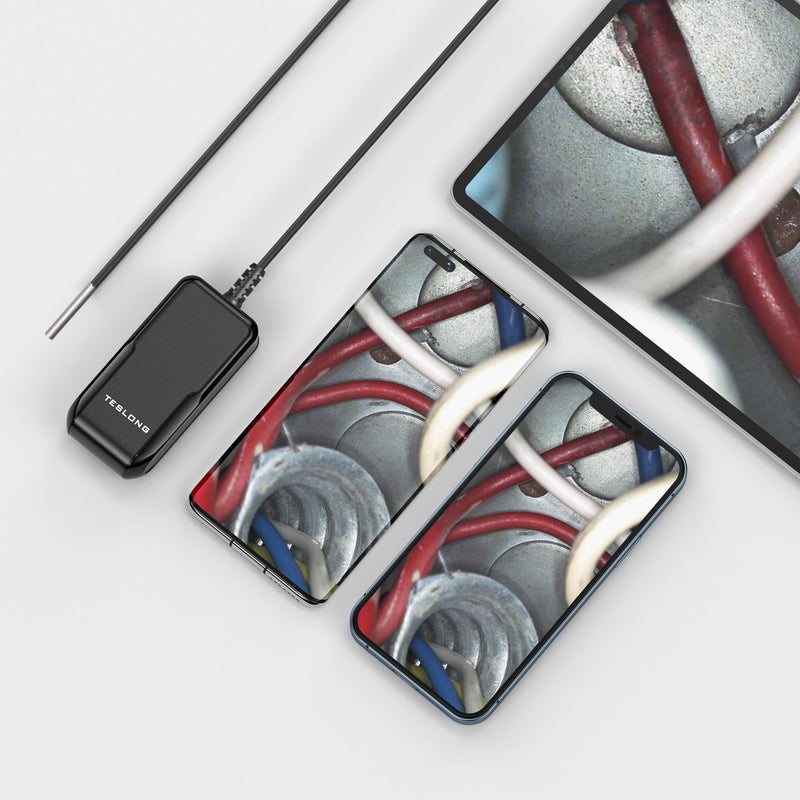
    Screen models are all-in-one: monitor, battery and 32 GB card, ready to use one-handed or on a stand. The WF150D39L3 streams over Wi-Fi to iPhone or Android, and the NTC125 connects by USB.

  4. Recording and Battery

    Every model captures photos and video for the repair order. For full shifts, look at battery size: the NTS300 has 5000 mAh, the NTS500 and NTS500B 3500 mAh, and the TD450s and NTS430 3000 mAh.

Built for technicians

Why Technicians Choose Teslong Endoscopes

Inspection cameras that cut disassembly time and leave you with a record of every job.

  • Views that save disassembly

    Dual-lens, rotating and steerable probe options

  • IP67-rated probes

    Splash, water and dust resistant for wet, dirty work

  • Record every job

    32 GB card included with every screen model

  • Your device or ours

    Built-in screens, Wi-Fi to iOS and Android, or USB

  • U.S.-based support

    Free US shipping over $199 and a 30-day money-back guarantee

FAQ

Frequently Asked Questions

Common questions about automotive endoscope cameras — how they work, what they cost, and how to choose one.

What is an endoscope?

Endoscope is a term generally used to describe medical tools used to look inside a body during an operation or other medical procedure, but the term has been adopted to describe a device used to look inside other things as well. Here are our most frequently asked questions about endoscopes answered.

What is an endoscope camera used for?

An endoscope camera is a tiny camera attached to the end of a long cable, that enables people to view hard-to-reach areas that they otherwise would not have seen with the human eye.

The endoscope was traditionally used for medical purposes only, but it has since been developed for use within commercial and industrial applications. Endoscopes are great problem solvers for mechanical inspection, car repair, plumbing fixes, electrical installs, house DIY, wall upgrades, HVAC maintenance, and more.

Many endoscope cameras are compatible with Android and or IOS operating systems so that they can be viewed directly through a smartphone, either using WiFi or with a USB cable.

How much is an endoscope?

The cost of endoscopes varies greatly depending on the complexity of the equipment. A simple USB or Wi-Fi endoscope that uses your phone or computer as the screen is a lot cheaper than an endoscope with its own high-resolution screen and battery, and models with a steerable tip cost more again.

Current prices for every model in this collection are shown on the product cards above.

What is the best endoscope app for Android?

What app you use will depend on the endoscope you buy, as they’ll often come with their own app or recommend one that works well.

For example, our NTC125 Autofocus Endoscope, we recommend you use a free app called Smart Endoscope.

Can you rent an endoscope pipe camera?

Most of the endoscopes available for rent are made for specialized applications like sewage inspection cameras for plumbers. That is great if you are a plumber, but for basic home and mechanic DIY use it’s usually less expensive to just buy a USB or WiFi endoscope as your first endoscope and see how it works for you - they really aren’t that expensive.

How do I choose an endoscope?

When it comes to choosing an endoscope, there are several factors you need to consider:

Compatibility

Endoscopes can work with a smartphone or laptop either via WiFi or through a USB connection, otherwise, you can select an endoscope that works independently, without the need for any other device.

If you require your endoscope to be as mobile as possible you are going to want to choose one that works with a smartphone or on its own, rather than having to carry around a laptop.

Image Quality

Most endoscopes will now offer an HD image quality or at least 720p, so this shouldn’t be an issue. However, if you require a very high image quality for your application, keep that in mind as you do your research.

Cable Length

Although you may think that longer is better, you are likely to find that having too much cable simply gets in the way. With this in mind, it is recommended that you choose the length depending on the specific application you wish to use it for. You might find that just a few feet are all that you need.

Flexibility

You also need to think about the flexibility of the cable. If you are looking to use an endoscope to explore pipework or similar installations, you are going to want to choose a flexible endoscope that will allow you to feed the camera around bends with ease.

On the other hand, if you need your endoscope to hold more of a structure you will want to choose either a rigid endoscope or at least a semi-rigid endoscope.

Battery Life

If you choose an endoscope that works with its own battery power, rather than through a smartphone or laptop, you will need to select an endoscope with an appropriate battery size.

Some endoscopes will have a battery size of around 1000mAh or less, which is likely to only give you up to two hours of battery before it needs to be recharged.

Others, however, will have a battery size of 2000mAh or more which will last for around 5 hours or possibly more. This means that it will last for the majority of a working day before it needs to be recharged again.

How do I install an endoscope camera on my computer?

To use an endoscope camera on your computer, you should be able to simply connect the endoscope using a USB and view the captured video on the camera software of your computer, such as PhotoBooth for MacOSX or Windows Camera, although this may depend on your operating system.

How do I use a WiFi endoscope?

A WiFi endoscope will be equipped with a WiFi adapter that will allow you to connect your smart device to the endoscope wirelessly and view the images picked up by the camera through an app.

How does an endoscope camera work?

An endoscope camera uses a digital camera sensor and lens at the end of a long camera probe (flexible or rigid) to capture video and photo images in hard-to-access areas. Wires transmit the imaging data along the length of the camera probe to the monitor or the WiFi transmitter.

Is an endoscope the right tool for me?

Endoscopes can be used for many applications to enable you to see areas that would otherwise be left unseen.

Common uses for endoscopes include vehicle repair work, HVAC maintenance and repairs, plumbing, and many other types of systems and machinery. By making use of an endoscope, troubleshooting can be performed, and repairs made, without having to entirely dismantle structures or equipment.

If you need to see an inaccessible area, an endoscope will be a great tool to have at your disposal.

How are Teslong endoscopes better than other options?

At Teslong we have several endoscopes available for purchase depending on your individual needs and budget. Many of our models are equipped with their own screen and, along with long-lasting battery life, are perfect for inspections no matter where you are.

Most of our camera probes are rated IP67 for splash, water and dust, so you can inspect wet and dirty areas.

Teslong cares about quality, and that is why we offer both a 12-month warranty and a 30-day money-back guarantee on every one of our products. Check out our full range of endoscope inspection cameras here.

What is an all-in-one endoscope or borescope?

An all-in-one endoscope or borescope is one that includes its own screen and does not require another device to function. All-in-one endoscope cameras also have their own rechargeable battery and a memory card to store photo and video content.

How do you use an endoscope with a screen?

An endoscope with a screen is very easy to use. First, make sure the device is fully charged. Next, install the camera probe into the monitor - it will either thread onto the monitor or it will plug into the monitor. Press the power button for a few seconds and the screen will illuminate. Use the Mode (M) button to switch between photo, video and viewing modes. All you have to do now is insert the camera probe into something you are inspecting and record photos and video by pressing the camera button.

What is the difference between an endoscope and a borescope?

Generally, “endoscope” is a medical term for a surgical device, but we frequently call our products “industrial endoscopes” to avoid confusing them with medical endoscopes. Teslong does not make any medical-grade surgical products. “Borescopes” is a term that is basically interchangeable with “industrial endoscopes,” however we refer to all of our firearm inspection cameras as “borescopes” and the rest of our inspection cameras as “industrial endoscopes.”

How much of a difference does the screen size make in a stand-alone inspection camera?

Although the screen sizes and resolutions are different on some of our endoscopes, they all record video at 720p resolution or higher. The screens in this collection range from the 4.3-inch, 480 x 272 screen on the NTS430 up to the 5-inch, 1280 x 720 screen on the NTS500. Obviously, larger screens are going to give you a better view of what the probe sees so if you need an inspection camera to perform on-site inspections and solve problems right away then you’ll want the biggest screen. If you are more interested in the recorded video and photo content, then a smaller screen should work just fine.

What is the difference between dual-lens probes and single-lens probes with mirrors?

Teslong’s camera probes typically are available with either a single-lens design, plus a right-angle mirror, or they are available with a dual-lens design. The single-lens-with-mirror probes are less expensive, and they are better for looking sideways at surfaces up close. Most commonly, this benefits Teslong’s gun borescope customers. If you use a dual-lens probe for this type of application the right-angle lens will actually be too close to the gun barrel surface and sharp focus will be impossible. This is why all of our gun borescopes use a single lens with a mirror instead of a dual lens. For most other applications, like looking down a spark plug hole into the combustion chamber of a car engine, the dual lens design typically works better and gives a wider field of view.

Are cheap endoscopes any good?

That depends on what you consider cheap! In general, affordable endoscopes are good for a wide range of applications, and you’ll only need to spend a bit more if you’re looking for something with specialized features.

Endoscopes are often cheaper when you use them plugged into your own device, such as a smartphone or laptop. However, just because they are less expensive doesn’t mean they won’t work perfectly well for basic applications, such as looking for plumbing leaks. In fact, many smartphones will be able to display a high-resolution video, you just might have to view it on a smaller screen than you would compared to a more expensive endoscope.

Who makes the best endoscope inspection camera?

The brand that makes the best endoscope inspection camera will depend on what you’re looking for. When you’re looking for the best endoscope inspection camera, consider:

What you plan to use it for.

Whether you want to use it with your own device or choose one with a screen.

Your budget.

Whether you want the probe to have some flexibility (articulated) or be rigid.

The resolution of the image you want or need.

The field of vision and/or autofocus.

Teslong endoscopes are suitable for a wide range of applications at affordable prices, so to explore our range, click here.

Can an automotive endoscope steer around corners?

Most endoscopes in this collection use a fixed probe and change the view with a second lens or a rotating lens instead. The TD450s Dual Lens is the steerable option here: its 8.5 mm tip bends 210° in two directions so you can look back at valves or around a bend. For 4-way joystick steering, see the F6 PRO, TF550 and other models in our articulating borescopes collection.

Need Help Choosing a Shop Endoscope?

Tell us what you work on and how you like to record jobs — we'll recommend the right model, or compare them in the table above.

Automotive Endoscope Cameras for Professional Vehicle Inspections

Automotive endoscope cameras are advanced inspection tools designed to give mechanics and technicians a clear view of hard-to-reach areas inside a vehicle. With a flexible, high-resolution camera probe, these devices allow professionals to inspect engine cylinders, pipes, walls, and other confined spaces without the need for costly disassembly — saving time, reducing labor costs, and ensuring more accurate diagnostics.

Industrial Endoscopes

Collections

Need help? Call our award-winning support team at 877.899.8809

Your cart 0

You are $99.00 away from free US shipping.

Contiguous US. Eligibility confirmed at checkout.

Your cart is empty

Find the right tool for your next project.

Estimated total$0.00 USD

Shipping, taxes and final discounts calculated at checkout.

View full cart

Add an order note

Choose options