Free Shipping on US orders over
$199
$99
Teslong · Borescopes with Screen
Stand-alone cameras with 4.3″ to 7″ screens — no phone needed
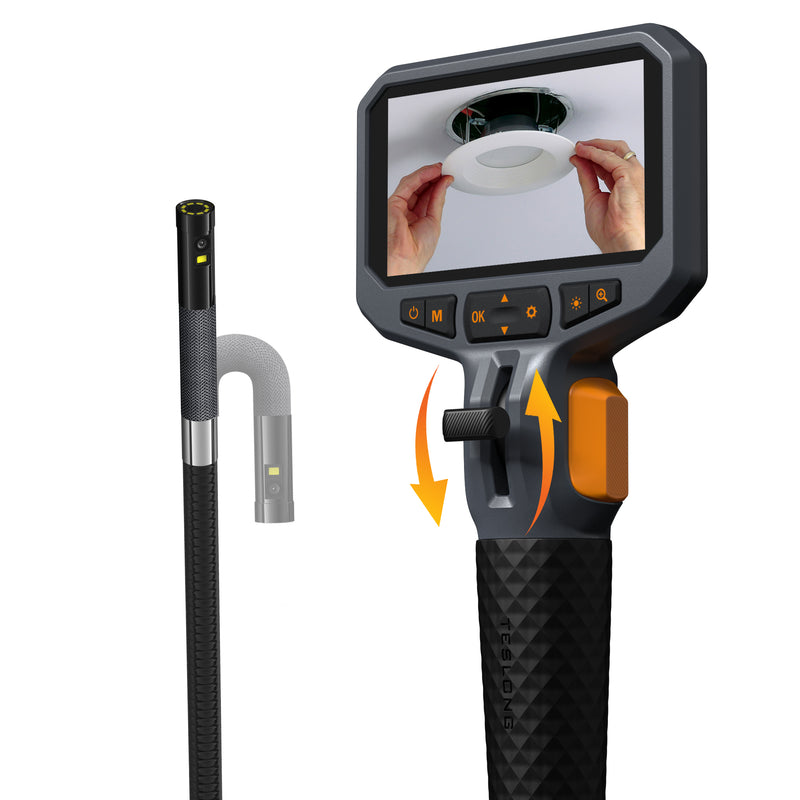
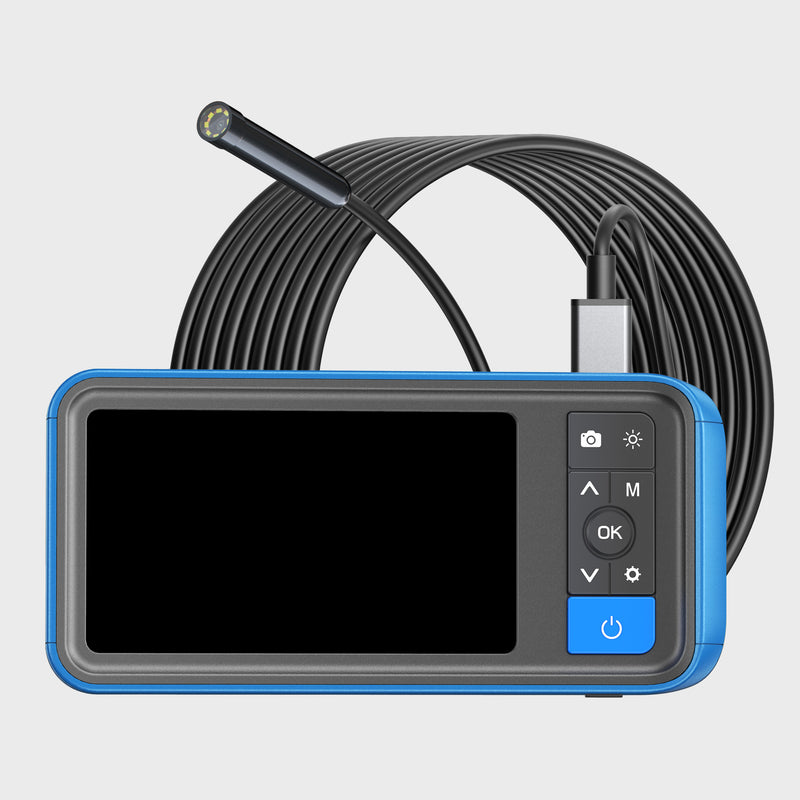
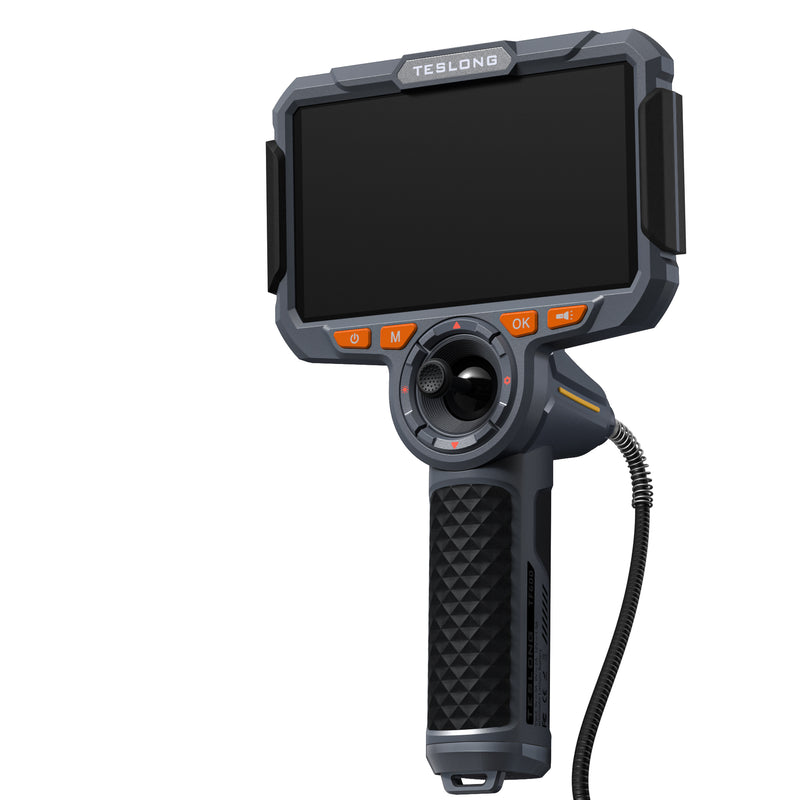
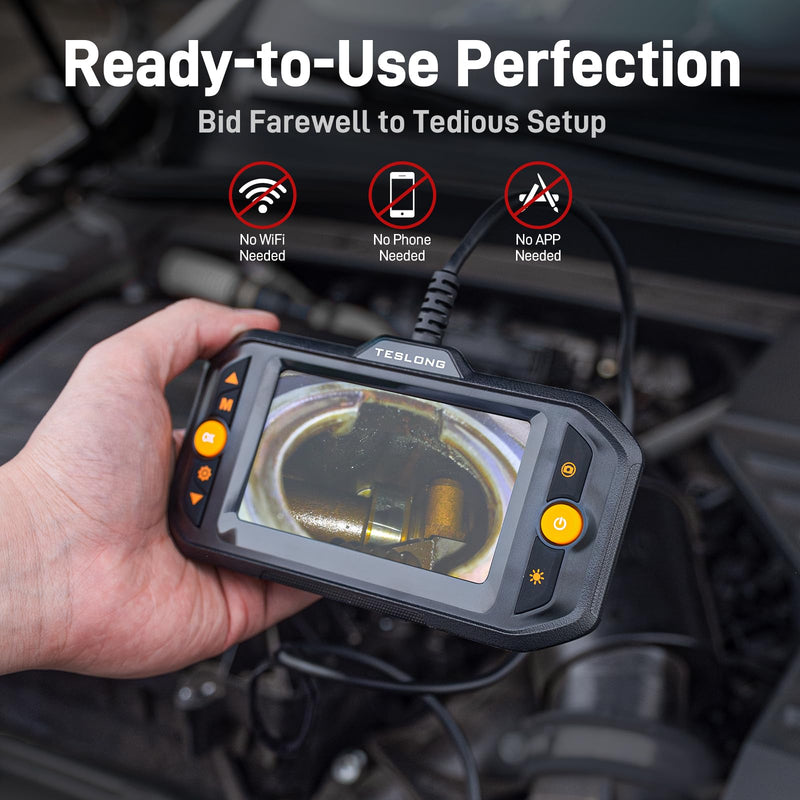
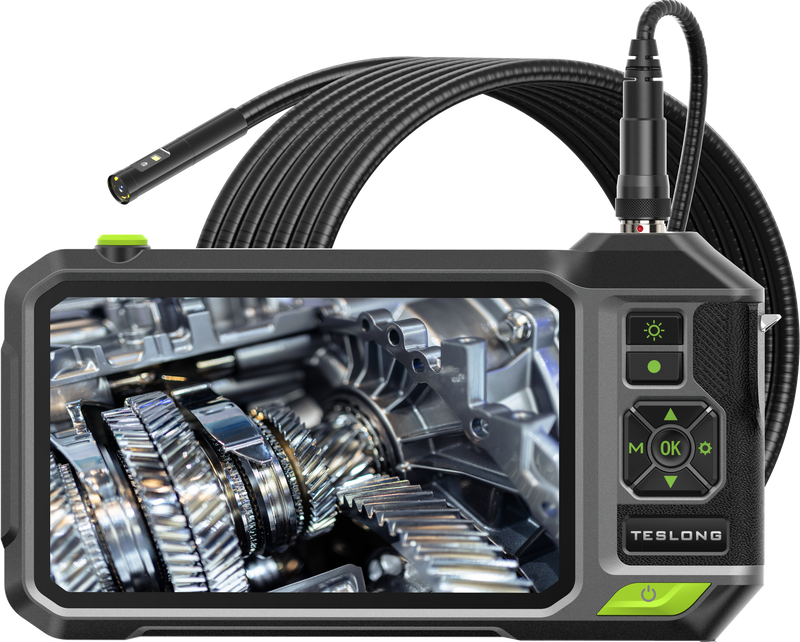
Borescopes with a screen carry their own monitor, battery and memory card, so you switch on and inspect — no phone, app or Wi-Fi pairing needed.
Teslong's range runs from compact 4.3-inch units to a 7-inch IPS screen, in pistol-grip, tablet-style and joystick designs. Compare screen size, resolution and battery below to find the one that suits how you work.
Shop by use case:
Editor's picks
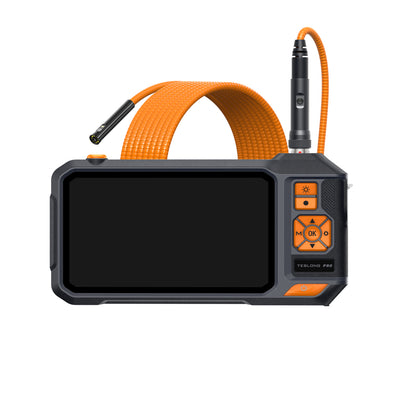
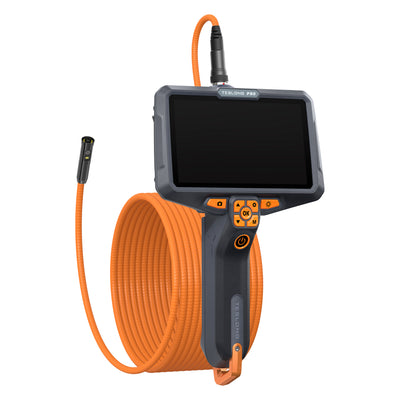
7″ IPS with split-screen and Wi-Fi
¥66,900
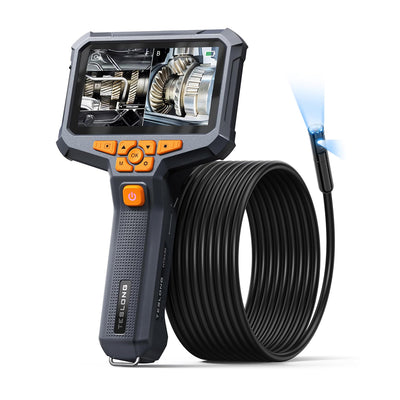
Three lenses side by side on a 6″ IPS
¥68,800
4.3″ pistol grip, dual lens
From ¥26,800
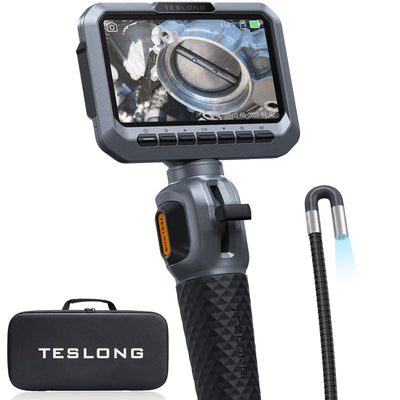
5″ IPS with a 2-way joystick tip
¥26,800
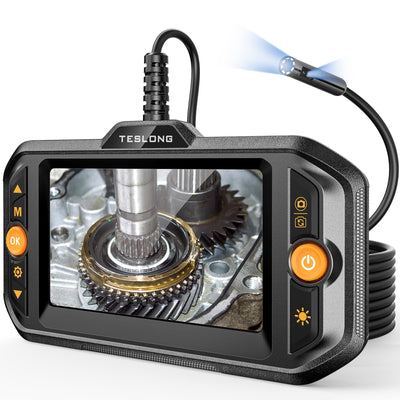
Switch on and inspect — no app
¥9,800
Quick product finder
Pick a screen size, how you'll hold it and the camera tip — we'll match one model.
Your recommendation appears here
Answer all three questions to see the best match for your needs — plus two alternatives worth considering.
All screen models
Filter by screen size, battery capacity or camera tip.
Screen size
Battery
Camera tip
Showing 35 of 35 models
Affordable articulation with front and side views
Two-way 210° articulation with front and side cameras on an 8.5 mm probe, a 4.5-inch screen and a 32 GB card included.
Three camera views from one 7.9 mm probe
Pistol-grip 5-inch monitor with a 7.9 mm triple-lens probe, 3.2 or 9.8 ft long, plus a 5000 mAh battery and a 32 GB card.
Small-bore checks on a pistol-grip 5-inch screen
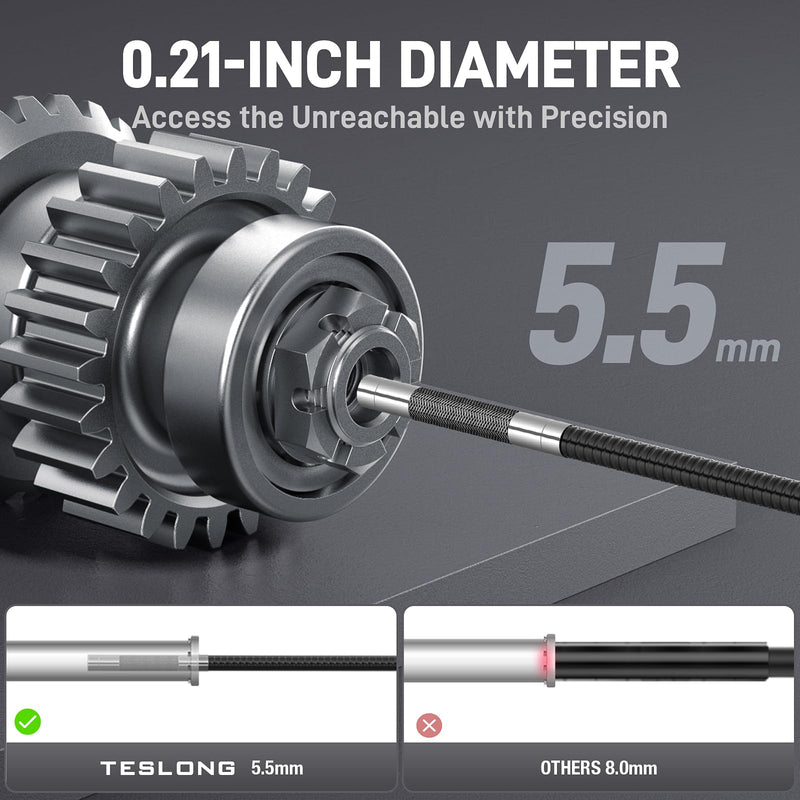
Pistol-grip 5-inch monitor with a single-lens probe in 3.9 or 5.5 mm, 3.2 or 9.8 ft long, plus a 5000 mAh battery and a 32 GB card.
A pistol-grip 5-inch screen with a 5000 mAh battery
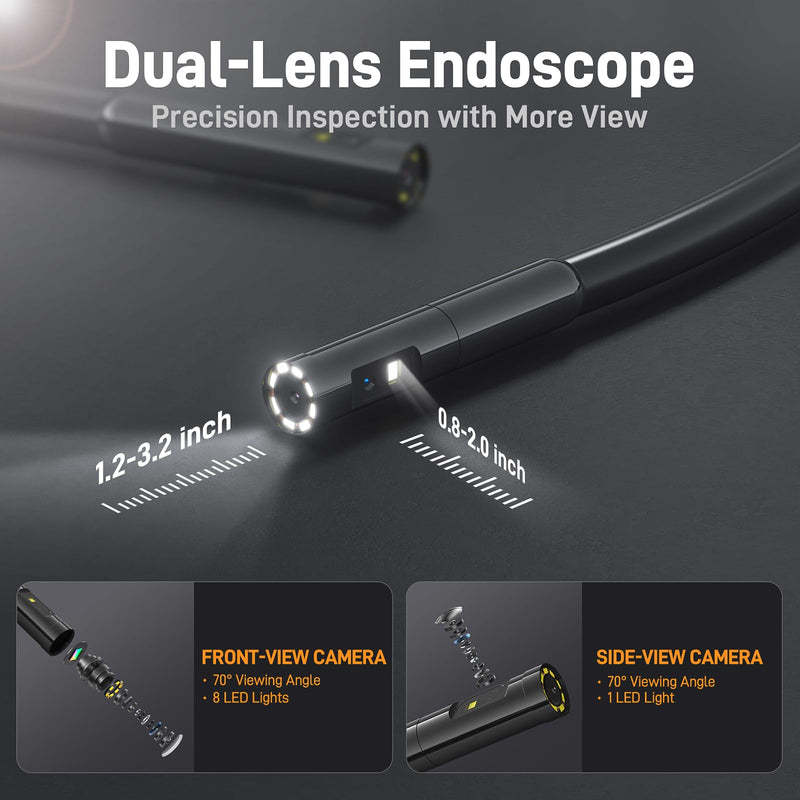
Pistol-grip 5-inch monitor with a front + side dual-lens probe in 5.5 or 8.0 mm and 3.2 to 16.4 ft lengths, plus a 5000 mAh battery and a 32 GB card.
A 5-inch screen and 2-way articulation for engine work
Two-way 210° articulation with a 2.0 MP camera on the 8.5 mm probe (6.5 mm also offered), a 5-inch screen, 8 adjustable LEDs and a 32 GB card included.
Entry-level articulating scope for engine and home checks
Two-way 210° articulation on an 8.5 mm probe with a 2.0 MP camera, 8 adjustable LEDs, a 4.5-inch screen and a 32 GB card included.
Simple household checks on a long, slim cable
All-in-one household camera with a 4.5-inch screen and a 5.5 mm single-lens probe on a 16.4 ft cable. 2500 mAh battery and a 32 GB card.
Turning the view inside pipes and cavities
Pistol-grip 5-inch monitor with an 8.5 mm rotating-lens probe that turns the 90° side view, in 3.2, 9.8 or 16.4 ft lengths. 5000 mAh battery.
Long runs of up to 50 ft with front and side views
All-in-one household camera with a 4.5-inch screen and an 8.0 mm dual-lens probe in 16.4, 33 or 50 ft lengths. 2500 mAh battery and a 32 GB card.
Three camera views in a household camera
All-in-one household camera with a 4.5-inch screen and a 7.9 mm triple-lens probe on a 16.4 ft cable. 2500 mAh battery and a 32 GB card.
The most compact pistol-grip screen model
Compact pistol-grip camera with a 4.3-inch screen and an 8.0 mm front + side dual-lens probe, 1080p photos and video, and a 3000 mAh battery.
A Full HD 6-inch screen with mini HDMI out and 4-way steering
Four-way joystick articulation and switchable front and side cameras on a 6.5 mm IP67 probe, with a 6-inch Full HD screen, Wi-Fi viewing and mini HDMI out.
The largest in-stock handheld screen, with split-screen
7-inch IPS screen with split-screen viewing, a 5.5 mm dual-lens probe on a 6.5 ft semi-rigid cable, Wi-Fi remote viewing and a 6000 mAh battery.
Precise 2-way control on a slim 6.5 mm probe
Two-way 210° articulation on a 6.5 mm probe with a 5-inch IPS screen, 1080p photos and video, and a portable modular design.
Household dual-lens checks on a long 16.4 ft cable
All-in-one household camera with a 5-inch screen and a 5.0 mm, 2.0 MP dual-lens probe on a 16.4 ft cable, plus a 3500 mAh battery and a 32 GB card.
4-way steering on a slim 3.9 mm probe
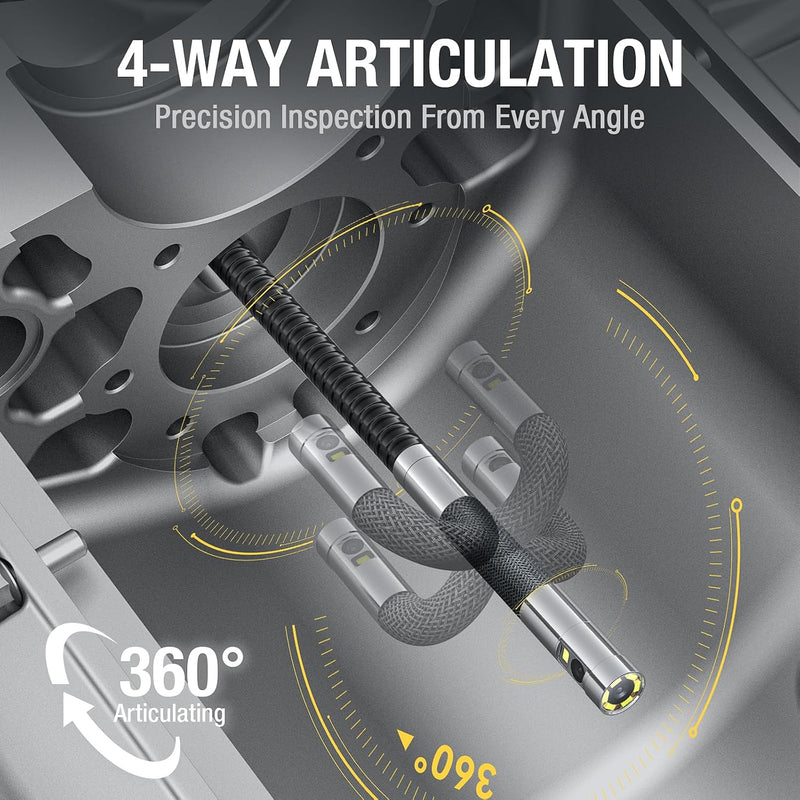
Four-way 360° articulation on a 3.9 mm probe, a 6-inch Full HD screen, Wi-Fi viewing and mini HDMI out, in a modular design that packs down for storage.
4-way steering with switchable front and side cameras
Four-way joystick articulation with switchable front and side cameras on a 6.5 mm IP67 probe, a 5-inch IPS screen and wireless image sharing to a phone or tablet.
Seeing three directions at once with split-screen
6-inch IPS pistol-grip monitor with split-screen viewing, a 7.9 mm triple-lens probe on a 6.5 ft semi-rigid cable and Wi-Fi remote viewing.
A 360° rotating dual-lens view on a rugged 6-inch screen
Rotating dual-lens 8.5 mm probe for a 360° view, a 6-inch IPS pistol-grip screen with split-screen, and Wi-Fi remote viewing on your phone.
Steering a 3.9 mm probe into the narrowest openings
Four-way 360° joystick articulation on a 3.9 mm probe rated IP67 against water, oil and dust, with a 6-inch Full HD screen, Wi-Fi viewing and mini HDMI out.
Switch on and inspect — no phone, app or Wi-Fi setup
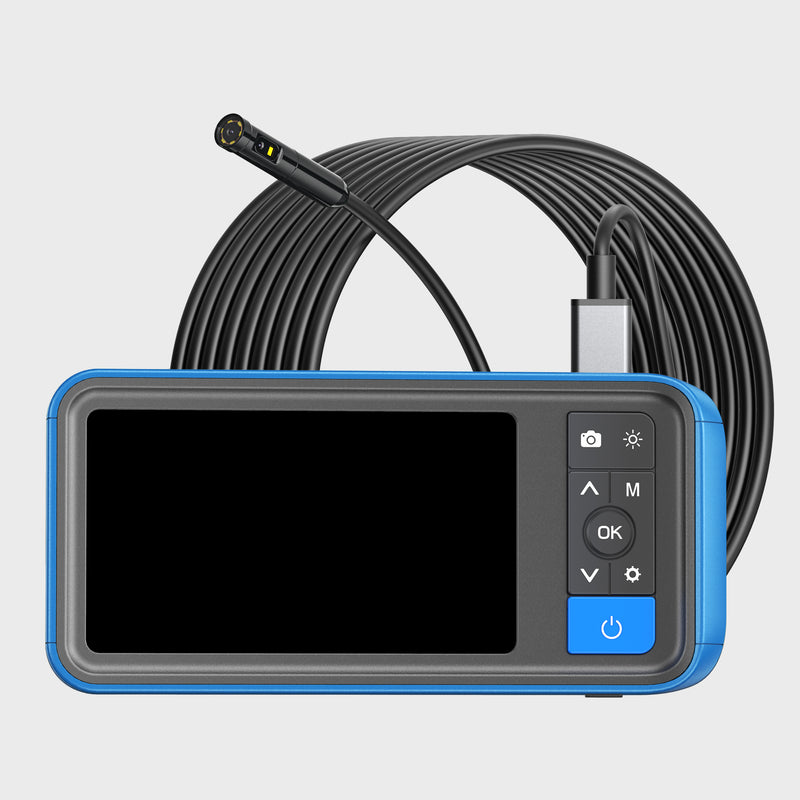
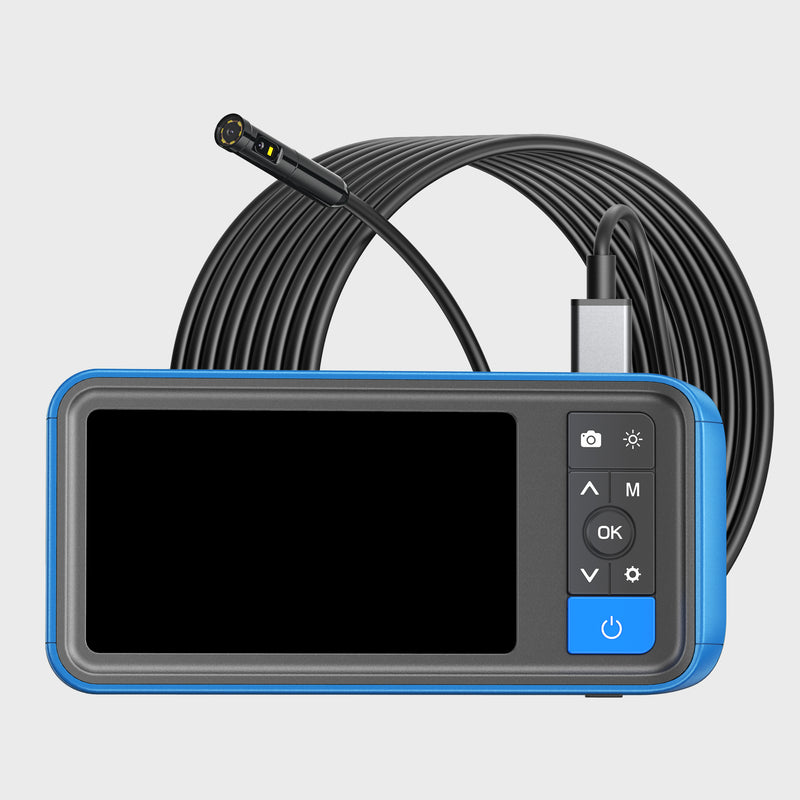
Standalone dual-lens borescope with a 4.3-inch color screen, an 8 mm probe and a 16.5 ft semi-rigid cable. No phone or app needed; microSD card not included.
A steerable 5.5 mm tip with its own screen
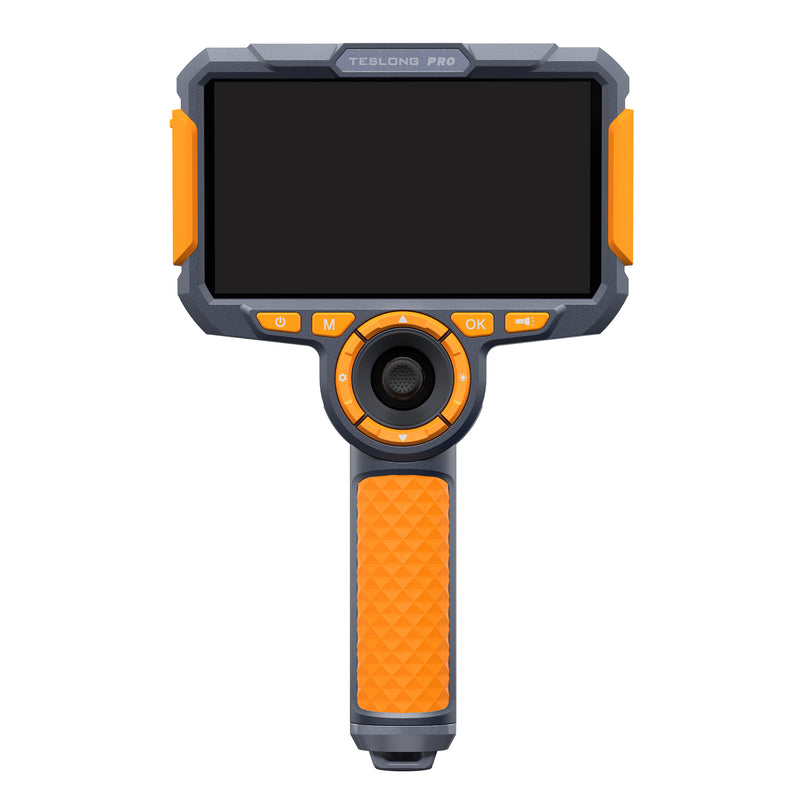
Joystick-controlled 2-way 210° articulation on a 5.5 mm semi-rigid probe, a 5-inch IPS screen with no app needed, and a 32 GB card included.
Small-bore checks on a sharper tablet-style screen
Tablet-style 5-inch monitor with a 1280x720 screen and a single-lens probe in 3.9 or 5.5 mm, 3.2 or 9.8 ft long. 3500 mAh battery, 32 GB card.
A sharper 1280x720 tablet-style screen for two-handed work
Tablet-style 5-inch monitor with a 1280x720 screen and a front + side dual-lens probe in 5.5 or 8.0 mm, 3.2 to 16.4 ft long. 3500 mAh battery.
Three camera views on a tablet-style HD screen
Tablet-style 5-inch monitor with a 1280x720 screen and a 7.9 mm triple-lens probe, 3.2 or 9.8 ft long. 3500 mAh battery, 32 GB card.
Long-reach rotating-lens checks of pipes and ducts
Tablet-style 5-inch HD monitor with an 8.5 mm rotating-lens probe that turns the 90° side view, in 3.2, 9.8 or 16.4 ft lengths.
Dual-lens TD500 on a 6.5 mm probe
Two-way 210° articulation with front and side cameras on a 6.5 mm probe and a 5-inch screen.
Three camera views with Wi-Fi and a 6-inch screen
Rugged 6-inch pistol-grip monitor with Wi-Fi remote viewing and a 7.9 mm triple-lens probe in 3.2, 9.8 or 16.4 ft lengths. 6000 mAh battery.
Everyday pro work with front and side views
Rugged 6-inch pistol-grip monitor with Wi-Fi remote viewing and a front + side dual-lens probe in 5.5 or 8.0 mm, 3.2 or 9.8 ft long. 6000 mAh battery.
Small-bore work with a 6-inch screen and Wi-Fi
Rugged 6-inch pistol-grip monitor with Wi-Fi remote viewing and a single-lens probe in 3.9 or 5.5 mm, 3.2 or 9.8 ft long. 6000 mAh battery.
Rotating-lens NTS700 with a 7-inch screen
7-inch monitor with Wi-Fi remote viewing and an 8.5 mm rotating-lens probe, 3.2 to 16.4 ft long.
Dual-lens NTS700 with a 7-inch screen
7-inch monitor with Wi-Fi remote viewing and a dual-lens probe in 5.5 or 8.0 mm, 3.2 to 16.4 ft long.
Triple-lens NTS700 with a 7-inch screen
7-inch monitor with Wi-Fi remote viewing and a 7.9 mm triple-lens probe, 3.2 to 16.4 ft long.
Single-lens NTS700 with a 7-inch screen
7-inch monitor with Wi-Fi remote viewing and a single-lens probe in 3.9 or 5.5 mm, 3.2 or 9.8 ft long.
No models match all of these filters.
Side-by-side
Screen size and resolution, how the monitor is held, battery capacity and camera type for each screen model.
| Model | Screen | Screen resolution | Form | Battery | Camera | Price |
|---|---|---|---|---|---|---|
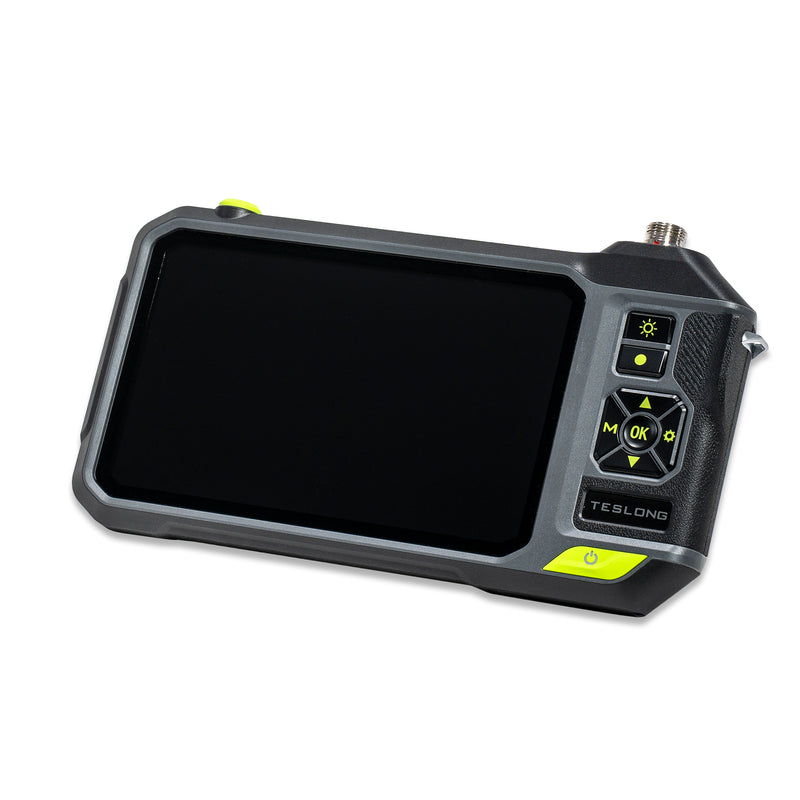
| TS43 | 4.3″ color | — | — | 1500 mAh | Dual lens | ¥9,800 |
| NTS430 | 4.3″ | 480x272 | Pistol grip | 3000 mAh | Dual lens | From ¥26,800 |
| MS450 Dual Lens | 4.5″ | 854x480 | Tablet-style | 2500 mAh | Dual lens | From ¥15,300 |
| TD450s Dual Lens | 4.5″ | 854x480 | Pistol grip | 3000 mAh | 2-way, dual lens | ¥23,000 |
| NTS300 Dual Lens | 5″ | 854x480 | Pistol grip | 5000 mAh | Dual lens | From ¥28,700 |
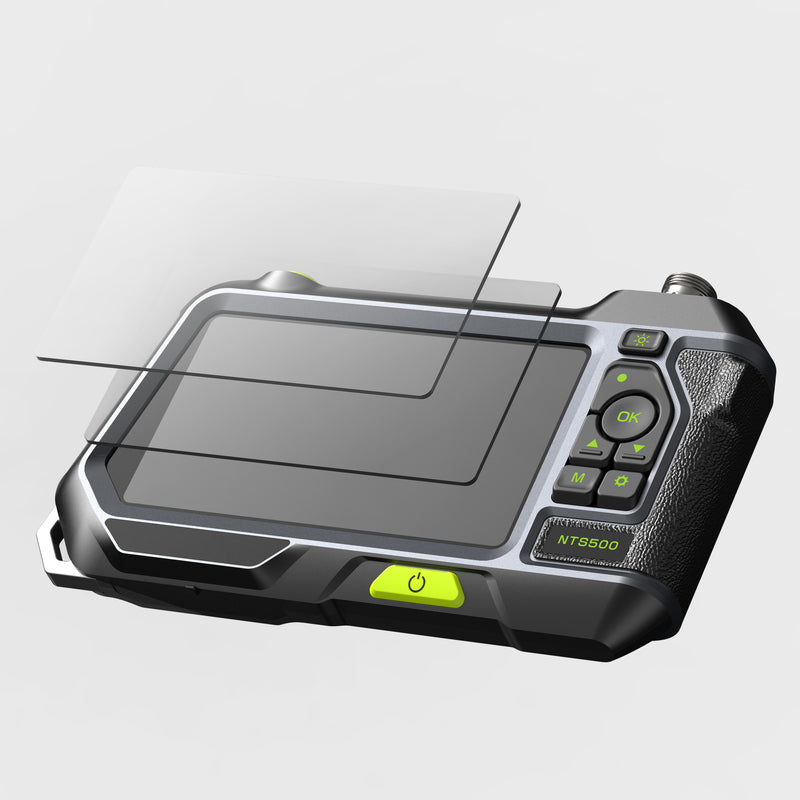
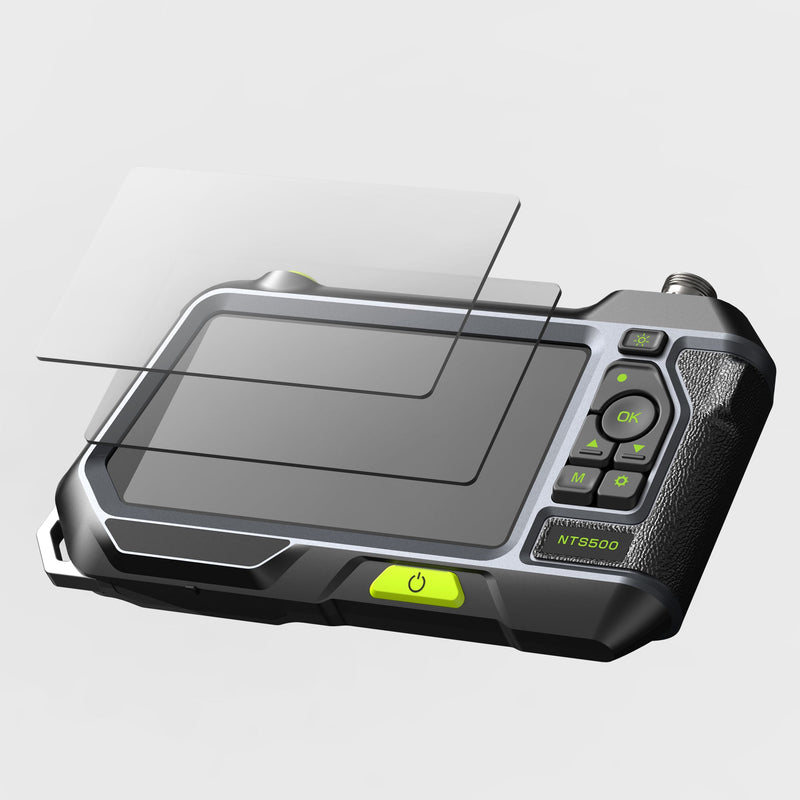
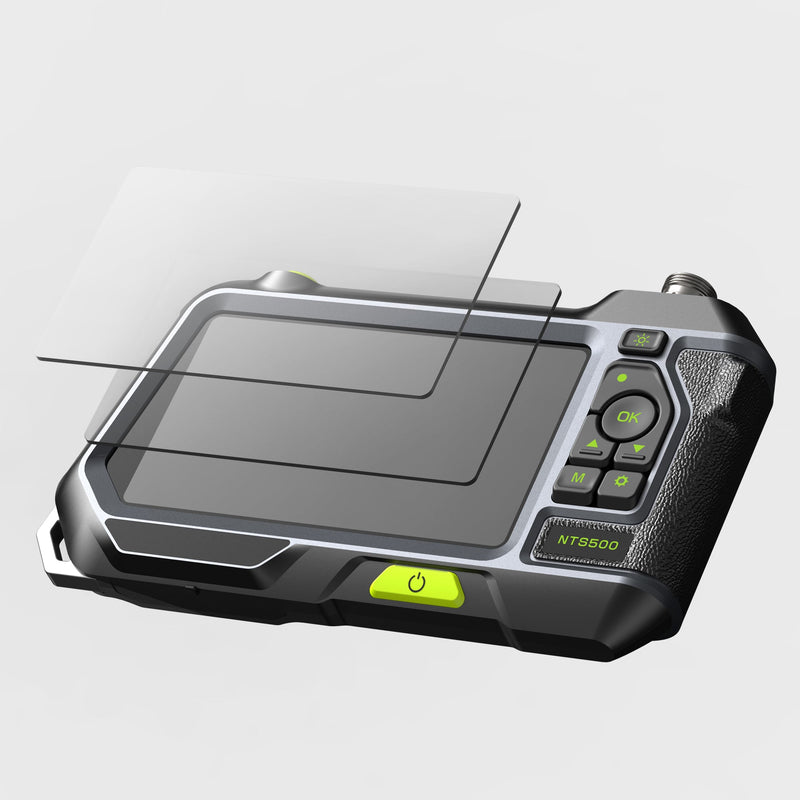
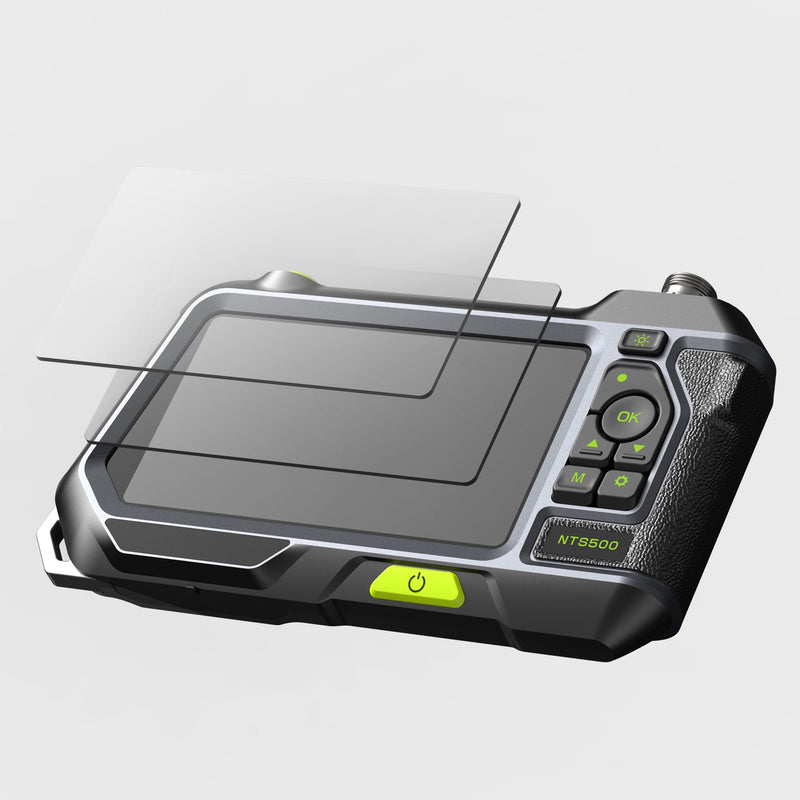
| NTS500 Dual Lens | 5″ | 1280x720 | Tablet-style | 3500 mAh | Dual lens | Sold out |
| NTS500B Dual Lens | 5″ | 854x480 | Tablet-style | 3500 mAh | Dual lens | From ¥18,400 |
| TD300P | 5″ IPS | — | Joystick handle | 3000 mAh | 2-way, single lens | ¥26,800 |
| TF550 Dual Lens | 5″ IPS | — | One-handed, joystick | 3000 mAh | 4-way, dual lens | ¥95,500 |
| NTS600 Dual Lens | 6″ | 1280x720 | Pistol grip | 6000 mAh | Dual lens | Sold out |
| T6 PRO | 6″ IPS | 1280x720 | Pistol grip | 6000 mAh | Triple lens | ¥68,800 |
| T7 PRO | 6″ IPS | 1280x720 | Pistol grip | 6000 mAh | Rotating dual lens | ¥78,300 |
| F6 PRO | 6″ IPS | 1920x1080 | Modular | 6000 mAh | 4-way, dual lens | ¥139,400 |
| N7 PRO | 7″ IPS | 1280x720 | — | 6000 mAh | Dual lens | ¥66,900 |
Why a screen
Five situations where a stand-alone screen beats a phone camera.
Keep your phone in your pocket: switch on, inspect and record with greasy or wet hands.
Recommended features
Top picks
A larger, sharper screen makes cracks, corrosion and carbon easier to judge on the spot.
Recommended features
Top picks
Bigger batteries mean fewer recharges between jobs.
Recommended features
Top picks
Send the live image to a phone or tablet so a customer or colleague can see what you see.
Recommended features
Top picks
Small 4.3–4.5 inch units that fit a toolbox for quick checks.
Recommended features
Top picks
Buying guide
With the screen built in, four things decide how the camera works for you.
4.3–4.5 inch screens keep the unit compact; 5 inches is the all-rounder; 6–7 inches makes fine detail easier to judge and easier to show to someone else.
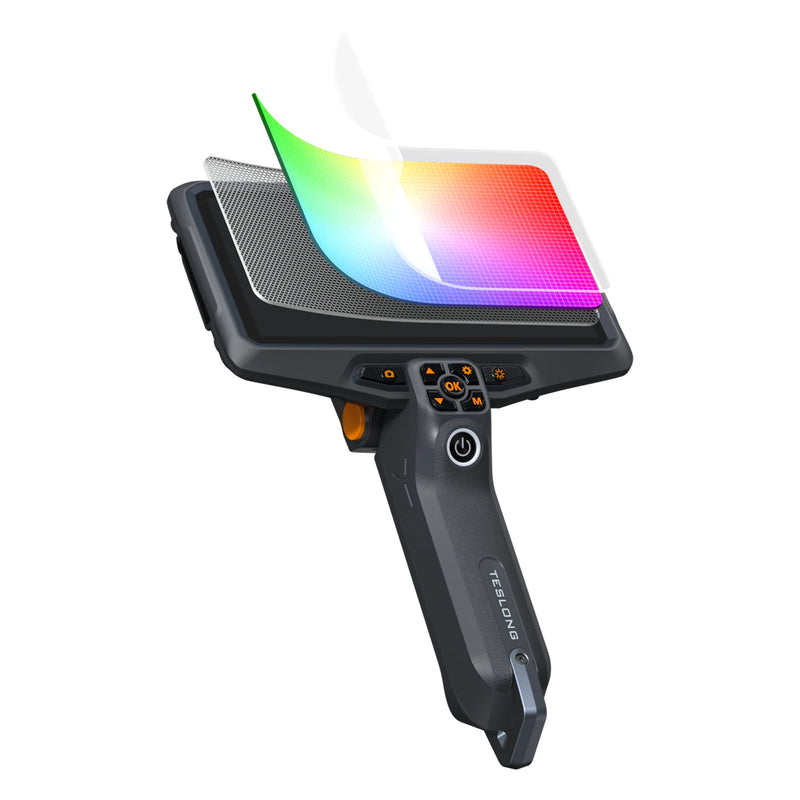
Screens range from 480x272 on the NTS430 and 854x480 on most compact and 5-inch models to 1280x720 on the NTS500, NTS600, N7, T6 and T7, and Full HD on the F6 PRO, F8 PRO and TF600.
Pistol-grip monitors leave one hand free to feed the probe; tablet-style monitors can be set down while you work the cable; the modular F6, F8, TF500 and TF600 pack down for storage.
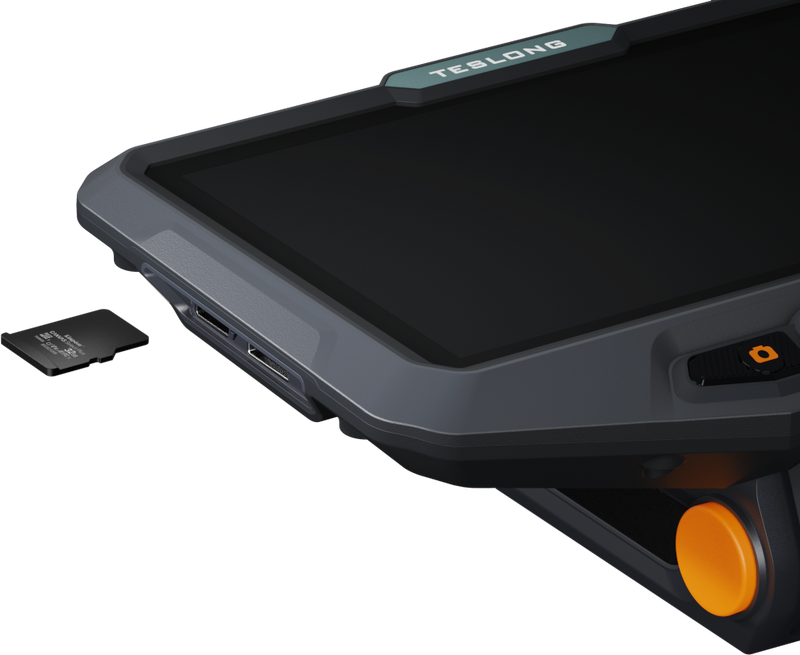
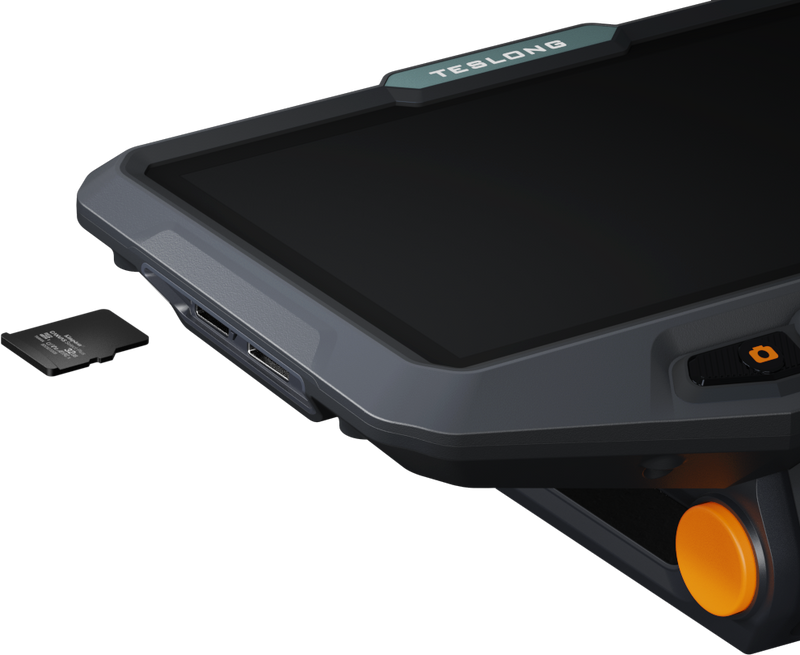
Batteries run from 1500 mAh on the TS43 to 6000 mAh on the NTS600 and PRO models. Most models include a 32 GB microSD card; the TS43 needs your own card to save photos and video.
Why Teslong
Stand-alone cameras built to work without your phone.
4.3, 4.5, 5, 6 and 7 inch monitors
Rechargeable batteries in every model
Single, dual, triple, rotating and articulating probes
Wi-Fi viewing on NTS600, N7, T6, T7, F6 and F8 PRO models
Free US shipping over $199 and a 30-day money-back guarantee
FAQ
Questions about endoscopes and borescopes with a built-in screen.
An endoscope camera with a monitor does not require a smart device to view the images from the camera. As these devices include a dedicated screen, you do not need to find another device, an app, or learn how to use the application. Instead, view everything right on the screen with dedicated controls. However, dedicated screens are not often very large, and you are limited to the screen size included.
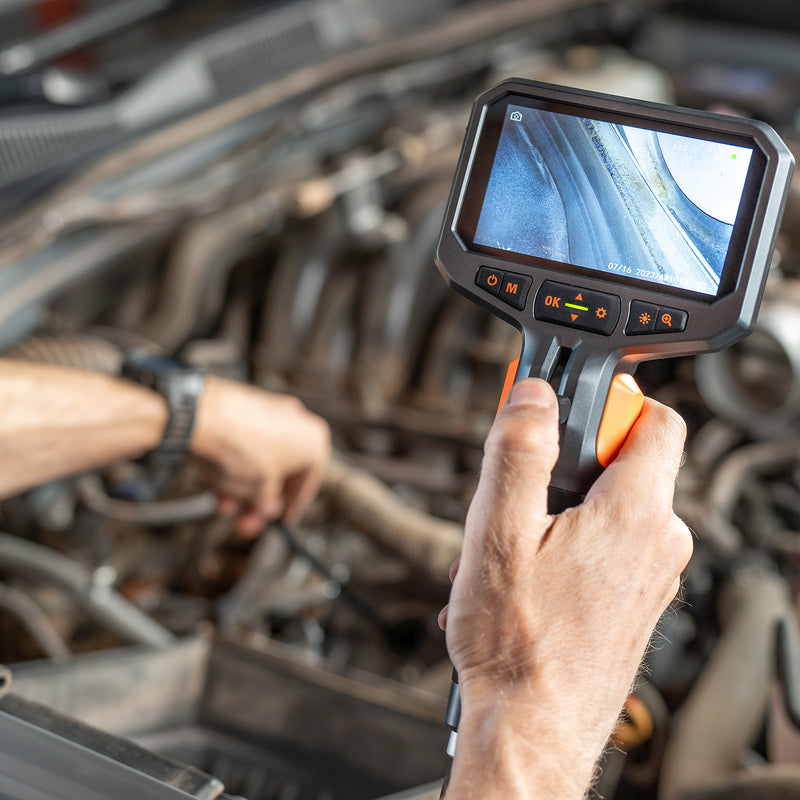
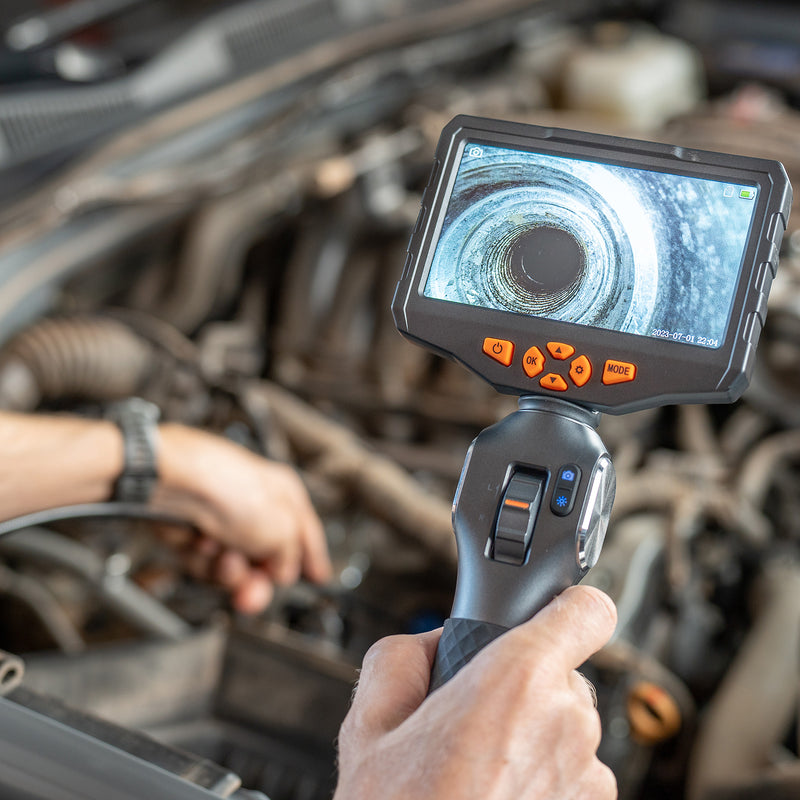
An endoscope with a screen is very easy to use. First, make sure the device is fully charged before using. Now turn on the display and the camera before inserting them into a vehicle. While the camera moves into the vehicle, use the dedicated monitor to view the inside of the car or boat. Finally, use the buttons on the screen to gain a clear image of what you are trying to see.
When done, remove the camera from the vehicle and save the video or images on a microSD card and transfer them to the computer of your choice. Finally, wash all parts, recharge, and store them in the included case for the next use.
Average endoscopes are used for human internal inspection, while industrial endoscopes are used to inspect industrial equipment. Most industrial endoscopes are actually borescopes but with a more rigid design. Many people will choose an endoscope for more maneuverability.
Teslong makes a variety of endoscopes to work for any use. No one option is better than the other, but each is made for a specific purpose. Therefore, the endoscope that suits your needs best is the best option for your needs. Pick from options like USB, dedicated screen, articulating camera, and much more.
When picking an endoscope with a screen, consider the use first. If you need better visuals, pick one with a micro SD card so you can move the images to another screen. Also, consider how you will charge the device. No matter what, you want a long gooseneck for the endoscope that is waterproof. A lithium-ion battery will last the longest and require less charging.
Teslong endoscopes with screens are industrial inspection tools for engines, pipes, walls and equipment. They are not medical devices and must not be used inside a person or an animal. Using a borescope on a vehicle or other item will not cause any pain for the user.
Endoscopes are safe to use when used properly. Always use the endoscope as directed in the instruction manual. Teslong inspection cameras are for equipment, not for use on people or animals. Keep the monitor dry (the IP67 rating covers the camera probe), don't force the probe or insert it into moving parts, and clean the probe after each use.
An endoscope with a screen requires less effort for use as you do not need to find or charge another device to use. The dedicated screen still allows you to save video and images but to an SD card to view on another screen later. Otherwise, everything you need is right there with an included screen. Finally, the devices are easy to set up and store for less time wasted on your part. All of our devices are built to last and function better so you can function better and quickly.
Compact 4.3- and 4.5-inch screens (TS43, NTS430, MS450, TD450s) keep the camera small enough for a toolbox. 5-inch models (NTS300, NTS500, TD500, TD300P, TF500, TF550) are the all-rounders. Step up to 6 inches (NTS600, T6 PRO, T7 PRO, F6 PRO, F8 PRO, TF600) or the 7-inch N7 PRO when you need to judge fine detail on the spot or show the image to someone else. Resolution matters too: the NTS500 shows 1280x720 on a 5-inch screen, and the F6 PRO, F8 PRO and TF600 have Full HD 6-inch screens.
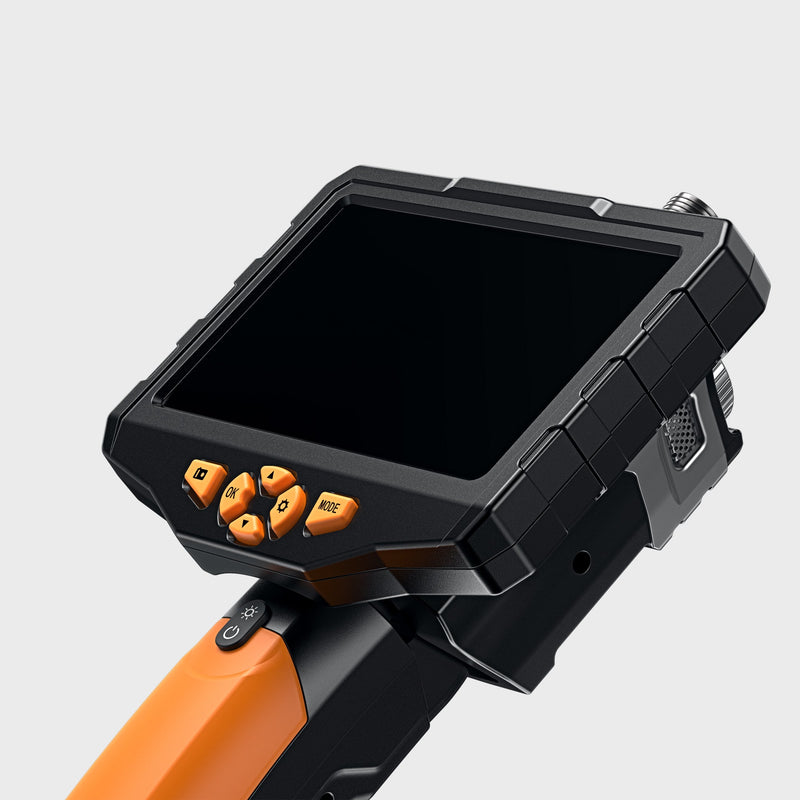
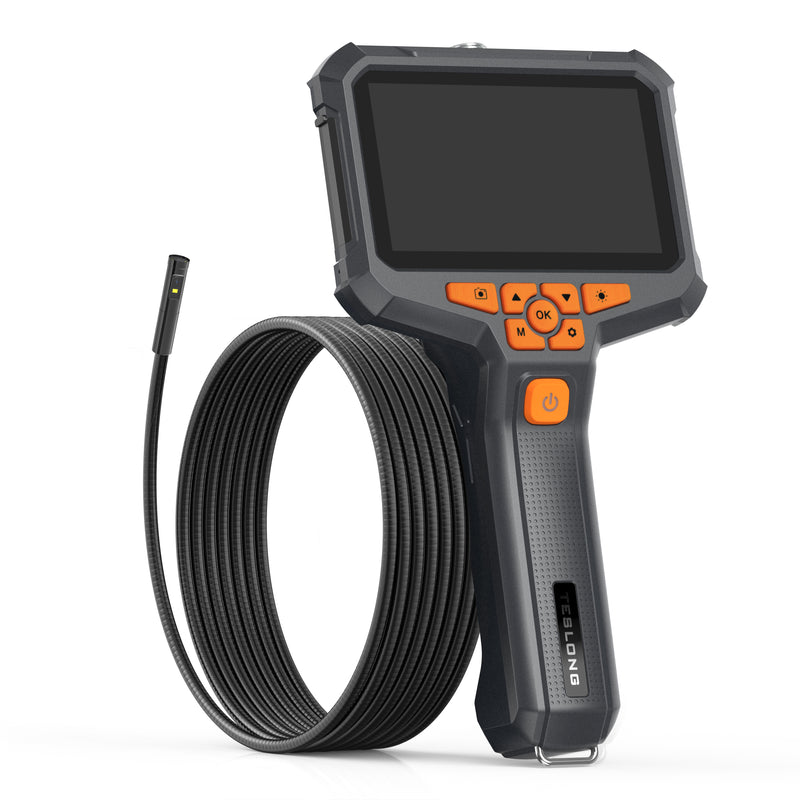
A pistol-grip monitor (NTS300, NTS430, NTS600, T6 PRO, T7 PRO, TD450s, TD500) puts the screen on a handle, so you can hold the camera in one hand and feed the probe with the other. A tablet-style monitor (NTS500, NTS500B, MS450) is a flat unit you hold in both hands or set down while you work the cable. The F6 PRO, F8 PRO, TF500 and TF600 use a modular design that packs down for storage.
It depends on the model. The NTS300, NTS430, NTS500 and NTS500B are rated for 4–5 hours and the TD300P for up to 5 hours; the MS450, TF550 and TF500 run around 4 hours; the TD450s, TD500, NTS600, N7 PRO, T6 PRO, T7 PRO and F6 PRO run 3–4 hours; the F8 PRO and TF600 up to 3.5 hours; and the compact TS43 up to 3 hours. All of them recharge, most over USB-C.
Tell us what you inspect and how you like to hold the camera, and our U.S. team will recommend the right screen model.
A borescope with a built-in screen is a complete inspection kit in one unit: camera probe, monitor, rechargeable battery and memory card. There is no phone to pair and no app to install, which makes it the practical choice for workshops, job sites and anyone who would rather keep their phone out of the engine bay.
Teslong screen models run from the compact 4.3-inch TS43 and NTS430 to the 7-inch N7 PRO. Most work is comfortable on a 5-inch screen such as the NTS300 or NTS500; step up to 6 or 7 inches for fine detail or when you need to show the image to a customer. Resolution goes up to 1280x720 on the NTS500 and NTS600 families and Full HD on the F6 PRO, F8 PRO and TF600.
Choose a pistol grip for one-handed use or a tablet-style monitor you can set down. Batteries range from 1500 mAh to 6000 mAh, and every screen model is available with the camera tip you need — single, dual, triple, rotating or articulating.
Need help? Call our award-winning support team at 877.899.8809