Free Shipping on US orders over
$199
$99
Teslong · USB & Wi-Fi Inspection Cameras
Plug-and-play inspection cameras that use your phone as the screen
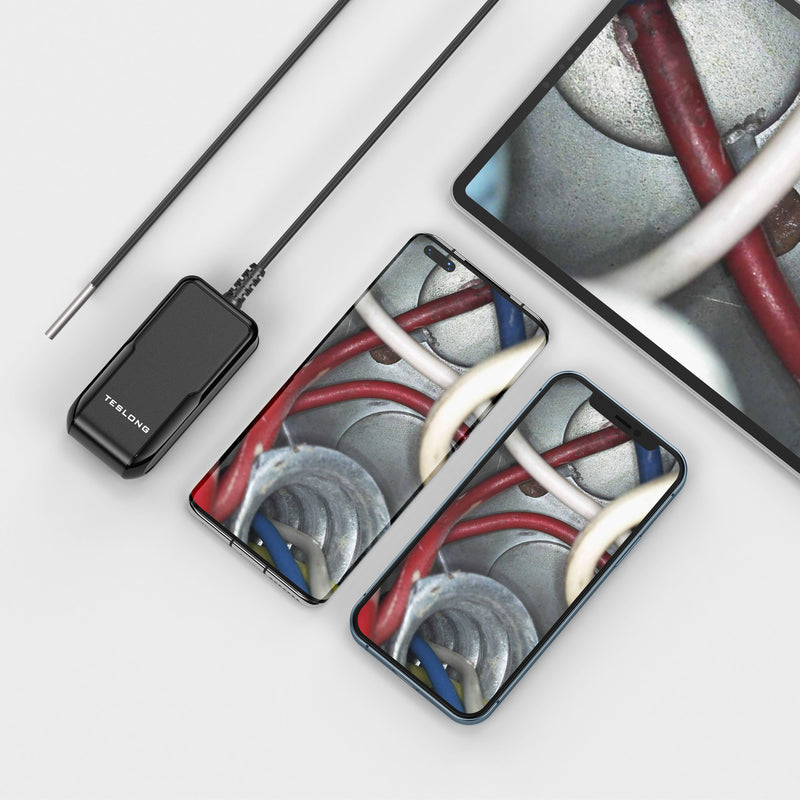
USB endoscopes plug straight into your phone or tablet and use it as the screen, with no separate monitor to charge and no Wi-Fi to set up. They are the simplest, lowest-cost way to look inside an engine, wall, pipe or appliance.
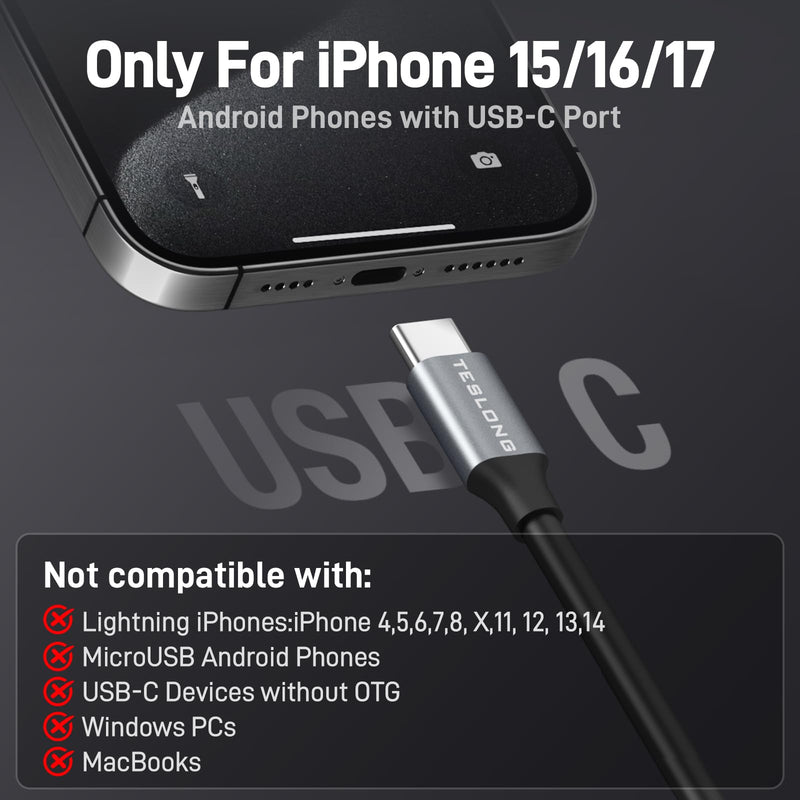
Check your device first: the USB-C NTC30L and TD300 work with USB-C iPhones (iPhone 15 or later), supported USB-C iPads and Android phones with OTG. Prefer no cable? The WF150 and WF200 connect over Wi-Fi.
Shop by use case:
Quick product finder
Three quick questions about how you connect, what you inspect and what matters most.
Your recommendation appears here
Answer all three questions to see the best match for your needs — plus two alternatives worth considering.
All models
New here? The finder above matches you in 30 seconds. Know what you need? Filter the range below.
Application
Connection
Recommended for
Showing 7 of 7 models
Sharper pictures on longer household runs
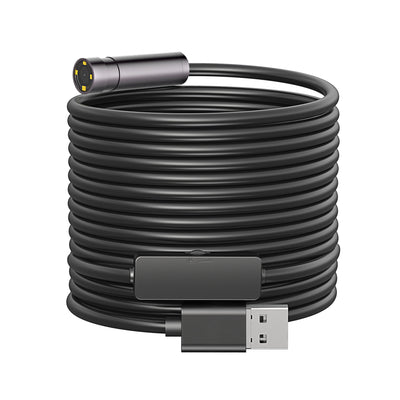
A 5.0 MP auto-focus camera on a 12.5 mm, 16.4 ft flexible IP67 probe, with adjustable LEDs, a USB-C adapter and a hook, magnet and mirror.
Tight openings without a cable to the phone
A 3.9 mm flexible probe on a 9.8 ft cable with a Wi-Fi transmitter for Apple and Android devices, 1920x1080 photos and video, and six adjustable LEDs.
Wireless reach with the phone on the grip
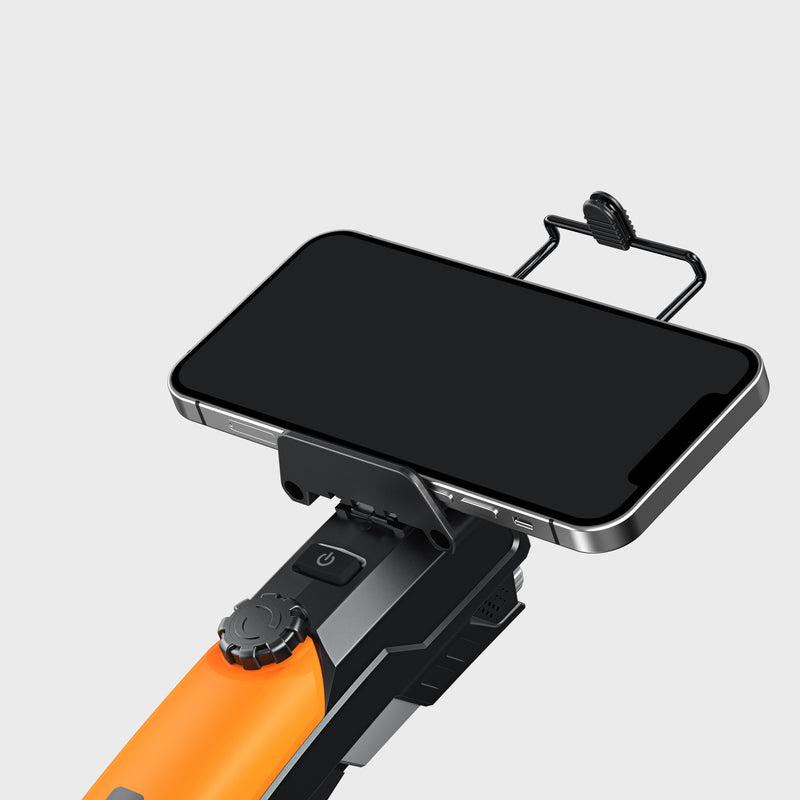
A pistol-grip Wi-Fi camera with a phone mount, a 7.0 mm probe on a 16.4 ft cable, 1920x1080 photos and video, and LED ring and work lights.
Ceilings, attics and spots above your head
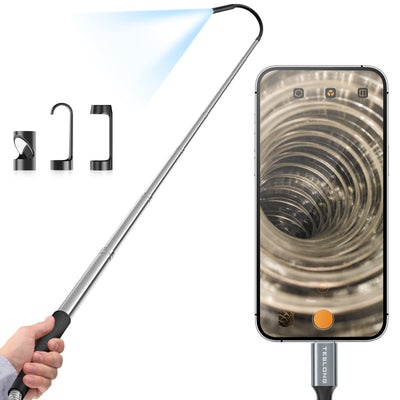
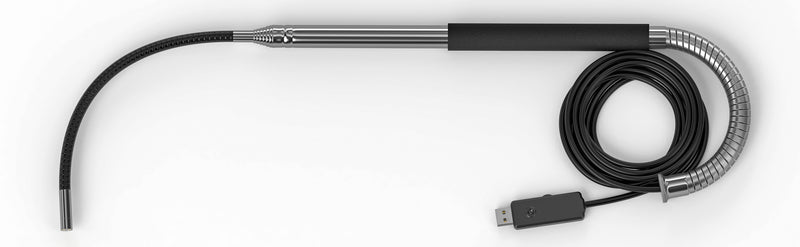
A retractable rod extends from 0.28 m to 1.5 m, with a bendable tip, an 8.5 mm lens on a 3.5 m cable, eight LEDs with brightness control and USB-C to Android and iPhone.
Steering around corners using your phone
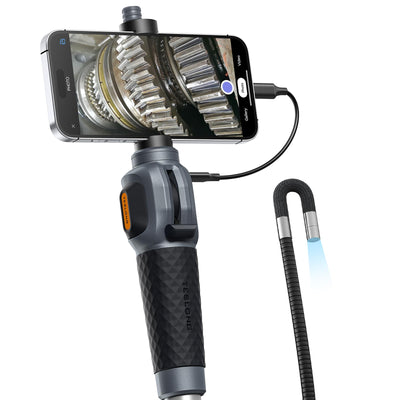
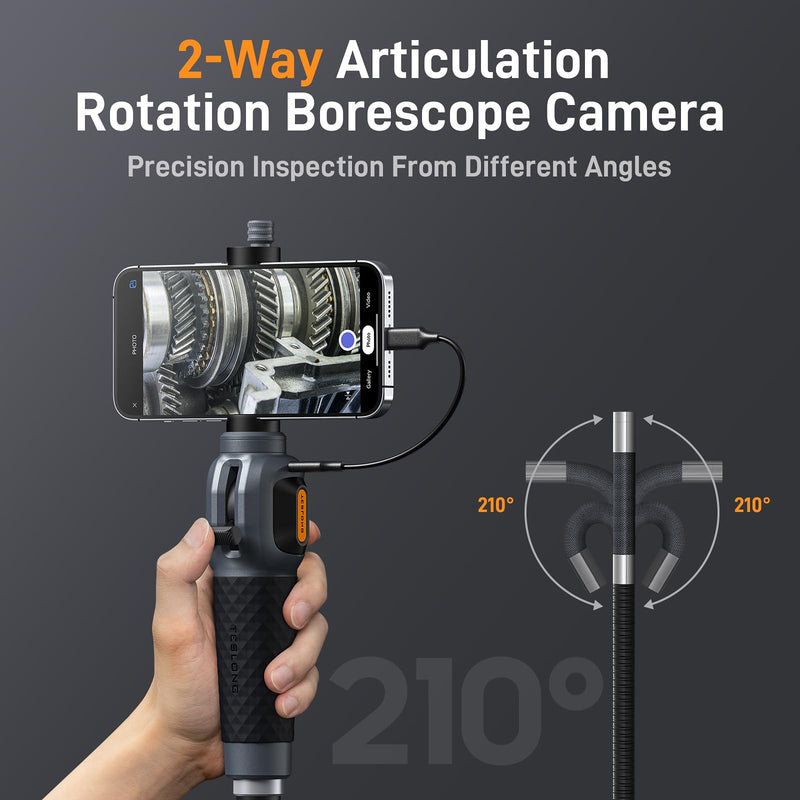
A joystick-controlled 2-way articulating 8.5 mm camera on a 5 ft semi-rigid gooseneck, with eight adjustable LEDs and a phone holder. Works with USB-C iPhones, iPads and Android 7.0+ via the Smart Endoscope app.
No models match all of these filters.
Side-by-side
Connection, supported devices, probe and reach for every model. Check the device list before you buy.
| Model | Connection | Works with | Probe | Cable / reach | Key feature | Price |
|---|---|---|---|---|---|---|
| TD300 | USB-C | iPhone 15 or later, USB-C iPad, Android 7.0+ (OTG) | 8.5 mm | 5 ft / 1.5 m | Joystick 2-way articulation | ¥15,500 |
| NTC30TP | USB-C | Android & iPhone (USB-C) | 8.5 mm lens | Rod to 1.5 m; 3.5 m cable | Telescopic rod | ¥7,800 |
| NTC125 | USB (USB-C adapter) | — | 12.5 mm | 16.4 ft / 5 m | 5 MP auto focus | ¥13,600 |
| WF150D39L3 | Wi-Fi | Apple & Android | 3.9 mm | 9.8 ft / 3 m | Slimmest probe | ¥9,700 |
| WF200 | Wi-Fi | iOS & Android | 7.0 mm | 16.4 ft / 5 m | Pistol grip + phone mount | ¥9,700 |
Shop by use case
Plug in, look, done — here's which camera suits each job.
Look into engine bays, behind panels and other tight spots on a vehicle without taking parts off.
Recommended features
Top picks
Check wall cavities, vents and the inside of appliances, or find something that fell behind a cabinet.
Recommended features
Top picks
Raise the camera into a drop ceiling, attic opening or high shelf with a telescopic rod instead of a ladder.
Recommended features
Top picks
Feed a longer cable into a drain or pipe to look for clogs, buildup or a dropped object.
Recommended features
Top picks
Buying guide
A USB endoscope is only as good as its fit with your phone — start there.
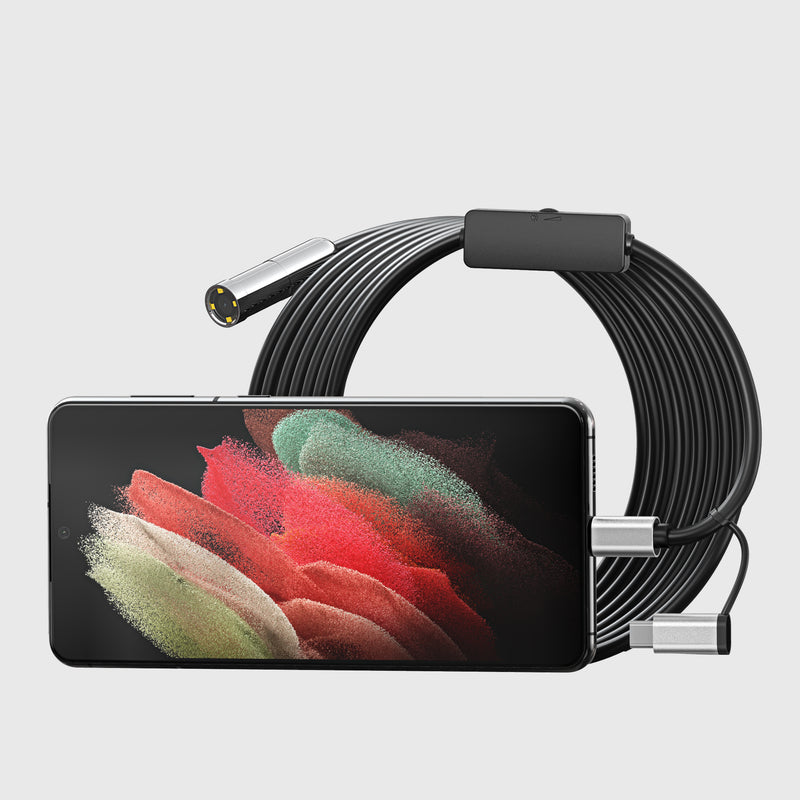
The NTC30L and TD300 support USB-C iPhones (iPhone 15 or later), supported USB-C iPads and Android phones with OTG, but not Lightning iPhones, Windows PCs or MacBooks. The NTC30L also excludes Micro-USB Android phones.
Wired USB-C models need no Wi-Fi or Bluetooth setup — plug in and open the app. Wi-Fi models such as the WF150 and WF200 have their own battery and work with Apple and Android devices regardless of the phone's port.
A 3.9 mm probe (WF150) fits the tightest openings; 7.0–8.5 mm probes suit most jobs. For reach, compare 5 ft (TD300), 10 ft (NTC30L) and 16.4 ft (NTC125, WF200), or the NTC30TP's telescopic rod for overhead work.
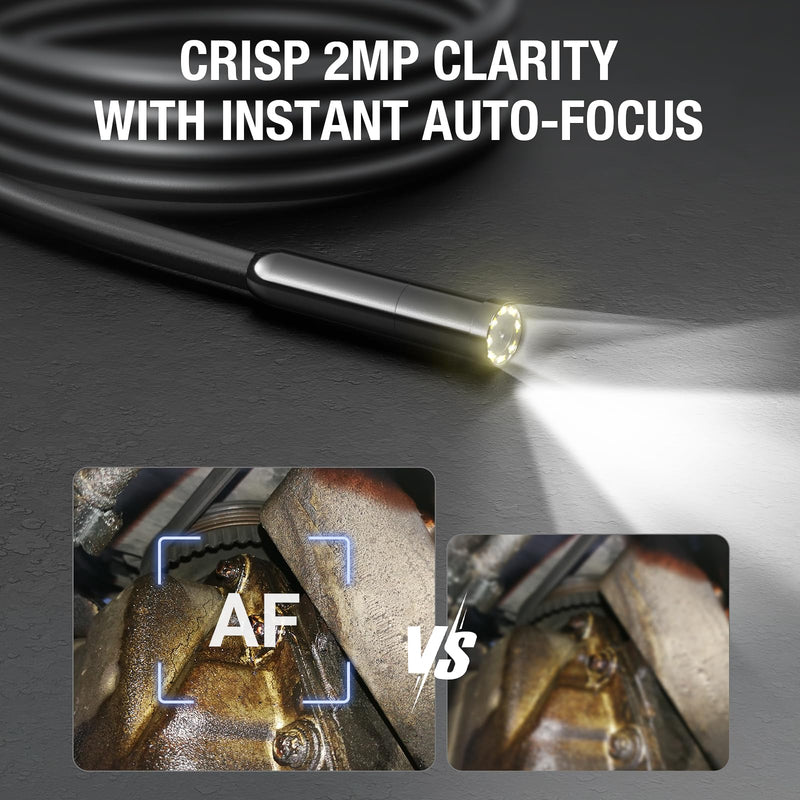
Only the TD300 has a steerable 2-way tip for looking around corners. For finer detail, the NTC125's 5 MP auto-focus camera keeps subjects sharp at different distances; the NTC30L's fixed focus works best about 1.2–4 inches from the target.
Simple and affordable
Use the phone you already own as the screen and start inspecting in minutes.
USB-C models connect directly, with no Wi-Fi or Bluetooth setup
No separate monitor to buy or charge
Cables from 5 ft to 16.4 ft, plus a 1.5 m telescopic rod
WF150 and WF200 connect to Apple and Android over Wi-Fi
Free US shipping over $199 and a 30-day money-back guarantee
FAQ
Common questions about USB endoscope cameras and which devices they work with.
A USB endoscope is simply an endoscope that connects via USB to a smart device, which then works as the screen. As USB cords are easy to find and use, they make a simple option for people who want to connect a camera to a smartphone or tablet. Device support depends on the model: the USB-C NTC30L and TD300 in this collection work with USB-C iPhones (iPhone 15 or later), supported USB-C iPads and Android devices with OTG, but not with Lightning iPhones, Windows PCs or MacBooks. Always check the supported devices listed for the model you choose.
The universal USB port gives you more options for screens. Either way, you will still get a device capable of inspecting with a camera and a built-in light. In addition, these flexible devices prevent you from needing to pull mechanical machines apart to diagnose the problem and help make repairs easily.
USB endoscopes can be used for inspection, such as with cars, boats, plumbing, and much more. Many mechanics will use an endoscope for visibility inside tight spots of vehicles, boats, motorcycles, and other equipment. People at home can use them for working on vehicles, plumbing, and many other tight areas where a lighted micro camera on a cord would be useful.
First, check that your phone or tablet is on the model's supported device list and, on Android, that OTG is enabled. Second, install the app named in the manual (Xscope for the NTC30L and NTC30TP, Smart Endoscope for the TD300), plug the camera into the device and allow camera access when prompted. Finally, because it is a direct, wired connection, there is no Wi-Fi or Bluetooth to set up.
To use a USB endoscope, you will need to use the USB cord attached to a smart device like a phone or a tablet to visualize what the camera sees in tight spaces. The devices are very easy to use; simply plug the cable into the port and feed the long cord with the camera into the area you need to see. Once connected to the app, you can see the picture and begin the inspection.
An endoscope is a type of borescope. With a borescope, you can inspect a mechanical object, and with an endoscope, you can inspect living bodies. Do not use a borescope for human inspection, and it's best not to use an endoscope for mechanical inspections. Instead, choose a borescope to use with vehicle maintenance and an endoscope if you need to inspect inside the ears or mouth of a human or animal.
However, the terms endoscope and borescope are often used interchangeably as now some endoscopes are used for a mechanical inspection. In this case, borescopes are more rigid in movement, while endoscopes can move around more for more attention to detail and maneuverability. For more precision, an endoscope is what you will need for mechanical needs too. However, borescopes provide a better field of view, lighting, and price.
Check the model first. The USB-C NTC30L and TD300 in this collection are designed for phones and tablets, and their listed requirements exclude Windows PCs and MacBooks. If you want to use a laptop as the screen, confirm on the product page that the model you choose lists computer support before buying. Where it does, insert the USB cord into a USB port, open the application named in the manual, and use the computer as the screen while you feed the camera cord into the area you need to see.
Choose USB-C if your phone is on the supported list and you want the simplest setup: plug in, open the app and start inspecting. Choose Wi-Fi, such as the WF150D39L3 or WF200, if you have an older phone, a Lightning iPhone or simply want no cable between the camera and the phone; both list compatibility with Apple and Android devices.
The TD300 is the best fit when you need to look around corners: its joystick steers an 8.5 mm tip in two directions and you can hold the viewing angle. For straight-in checks the NTC30L's 10 ft semi-rigid cable holds its shape in an engine bay, and the Wi-Fi WF150D39L3's 3.9 mm probe fits the smallest openings.
A fixed-focus camera is sharp within a set distance — the NTC30L works best about 1.2–4 inches from the target. An auto-focus camera, like the 5 MP NTC125, adjusts to keep the image sharp from about 1.2 inches out to longer distances, which helps when you look down a pipe or across a cavity.
Tell us your phone or tablet model and what you want to inspect, and we'll confirm which camera will work with it.
A USB endoscope is the most direct way to see inside something: plug the camera into your phone or tablet, open the app and the picture appears on the screen you already carry. There is no separate monitor to charge and no wireless pairing to set up, which makes USB models a practical first inspection camera for car owners, homeowners and anyone who needs a quick look into a tight space.
Start with your device. The USB-C NTC30L and TD300 list support for USB-C iPhones from iPhone 15 onward, supported USB-C iPads and Android phones with OTG; the NTC30TP lists USB-C Android and iPhone devices. Then choose the probe: the NTC30L has a 10 ft semi-rigid cable, the TD300 adds joystick-steered 2-way articulation, the NTC30TP mounts the camera on a telescopic rod for overhead work, and the NTC125 offers a 5 MP auto-focus camera on a 16.4 ft cable.
The WF150D39L3 and WF200 in this collection stream to Apple and Android devices over Wi-Fi, so your phone's port type does not matter. Every model comes with a 12-month warranty, free US shipping over $199 and a 30-day money-back guarantee.
Need help? Call our award-winning support team at 877.899.8809